
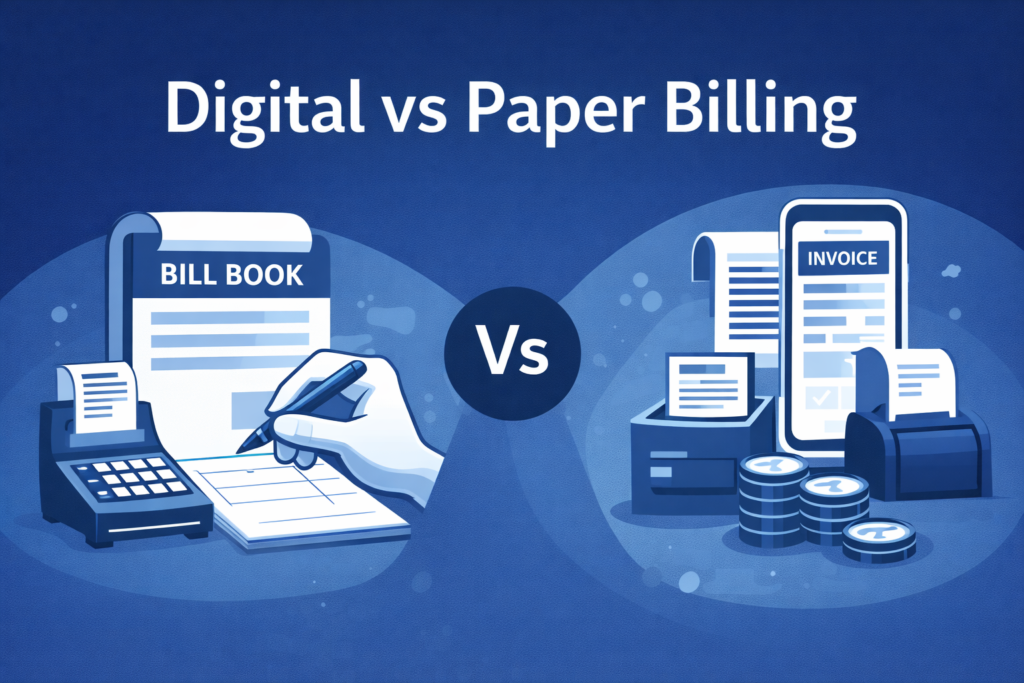
Digital billing vs paper billing comes down to speed, accuracy, and control. Paper bills work for very small volume, but digital billing usually helps businesses scale with faster billing, fewer mistakes, easier bill sharing, better stock tracking, and clearer payment follow-ups—especially in India, where record-keeping matters for accounting and GST workflows.
In this guide, you’ll understand the differences, hidden costs, and a simple plan to switch from paper to digital—without disrupting daily sales.
What is Paper Billing?
Paper billing means you create bills manually using bill books, carbon copy pads, handwritten invoices, and registers. Sales totals, stock updates, and customer dues are usually tracked in separate notebooks or sheets.
Paper billing is common in early-stage kirana stores, small traders, repair shops, and low-ticket services.
What is Digital Billing?
Digital billing means you create invoices using a mobile app, desktop billing software, or a POS system. Bills can be shared instantly on WhatsApp/PDF, printed when needed, and stored safely for future use. Many digital billing setups also support inventory, customer ledgers, and reports.
Digital Billing vs Paper Billing: Quick Comparison
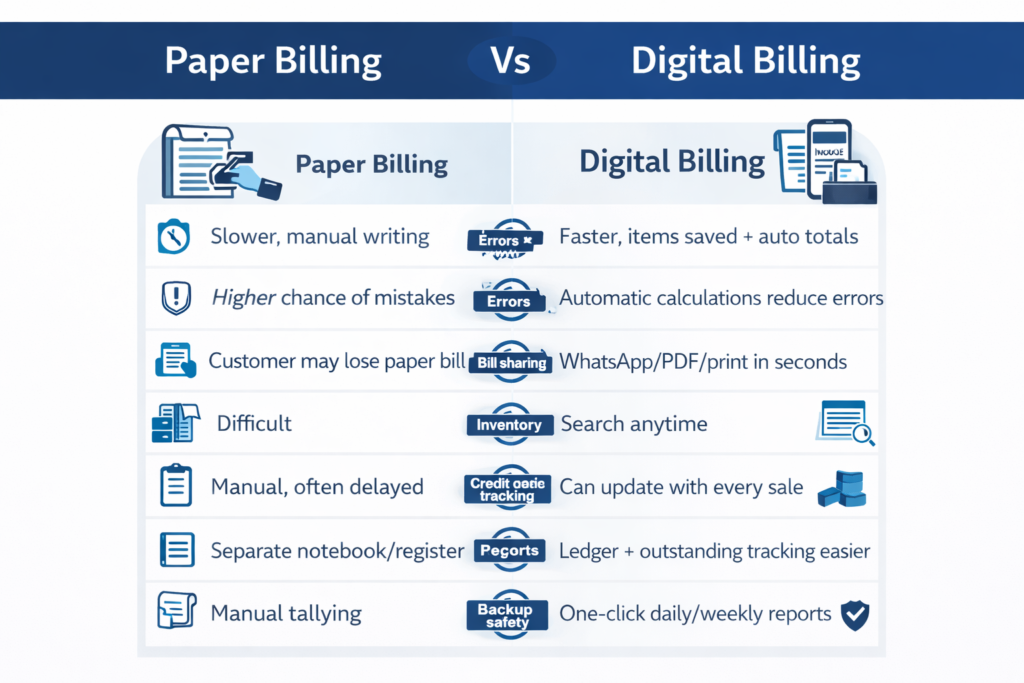
| Factor | Paper Billing | Digital Billing |
|---|---|---|
| Billing speed | Slower, manual writing | Faster, items saved + auto totals |
| Errors | Higher chance of mistakes | Automatic calculations reduce errors |
| Bill sharing | Customer may lose paper bill | WhatsApp/PDF/print in seconds |
| Old bill retrieval | Difficult | Search anytime |
| Inventory | Manual, often delayed | Can update with every sale |
| Credit sales tracking | Separate notebook/register | Ledger + outstanding tracking easier |
| Reports | Manual tallying | One-click daily/weekly reports |
| Backup safety | Can fade/tear/get lost | Can be backed up and secured |
Speed at the Counter
Paper billing takes longer because you’re writing item names, quantities, totals, discounts, and tax calculations manually. Digital billing is usually faster because your items are saved, totals are auto-calculated, and repeat bills become quick.
If your shop has walk-in rush hours, faster billing directly improves customer experience.
Accuracy and Billing Mistakes
With paper billing, mistakes can happen easily—wrong totals, missed items, incorrect tax calculations, or inconsistent discounts. Digital billing typically reduces these because calculations are automatic and invoice formats remain consistent.
This becomes more important when you have multiple staff members billing at the same time.
GST and Record-Keeping in India
You can maintain records with paper billing, but as volume grows, it often becomes time-consuming to organise invoices, match totals, and share data for accounting or GST-related workflows. Digital billing generally makes it easier to keep invoices consistent and maintain searchable records.
Bill Sharing and Customer Experience
Paper bills are easy to lose, and customers often come back asking for a duplicate. With digital billing, you can share the bill instantly on WhatsApp, SMS, or email—and re-send it anytime.
This is especially useful for returns, warranty claims, and repeat purchases.
Inventory Tracking and Low-Stock Control
Paper billing doesn’t automatically reduce stock when you sell. Most businesses end up updating stock later, which leads to stockouts, over-ordering, or dead stock.
Digital billing can update stock with each sale (when items are maintained properly), which helps you track low-stock, fast-moving items, and slow-moving items more confidently.
Credit Sales and Payment Follow-Ups
Paper billing usually means dues are tracked in a separate notebook. If staff forget to update entries, outstanding figures become inaccurate, and follow-ups get delayed.
Digital billing makes it easier to track party-wise outstanding, due dates, and invoice-wise dues. If you sell on credit frequently, this is one of the biggest reasons to switch.
Many SMBs use tools like myBillBook to keep billing + party ledger + dues tracking together, so payment follow-ups don’t depend on memory or notebooks.
Reports and Business Decisions
Paper billing requires manual tallying to understand daily sales, payment-mode split, best-selling items, or profit estimates. Many owners skip this simply because it takes too much time.
Digital billing usually gives ready reports like daily sales, payment modes (cash/UPI/card), item-wise sales, outstanding list, and sometimes profit estimates (if purchase rates are updated).
Backup and Safety
Paper bills can fade, tear, get misplaced, or be damaged by water. Digital billing can be safer when you use password protection, proper user access, and regular backups or cloud sync (based on your setup).
The key is choosing a system that matches your comfort level and business needs.
The Real Cost: Paper Looks Cheaper, But Has Hidden Leakage
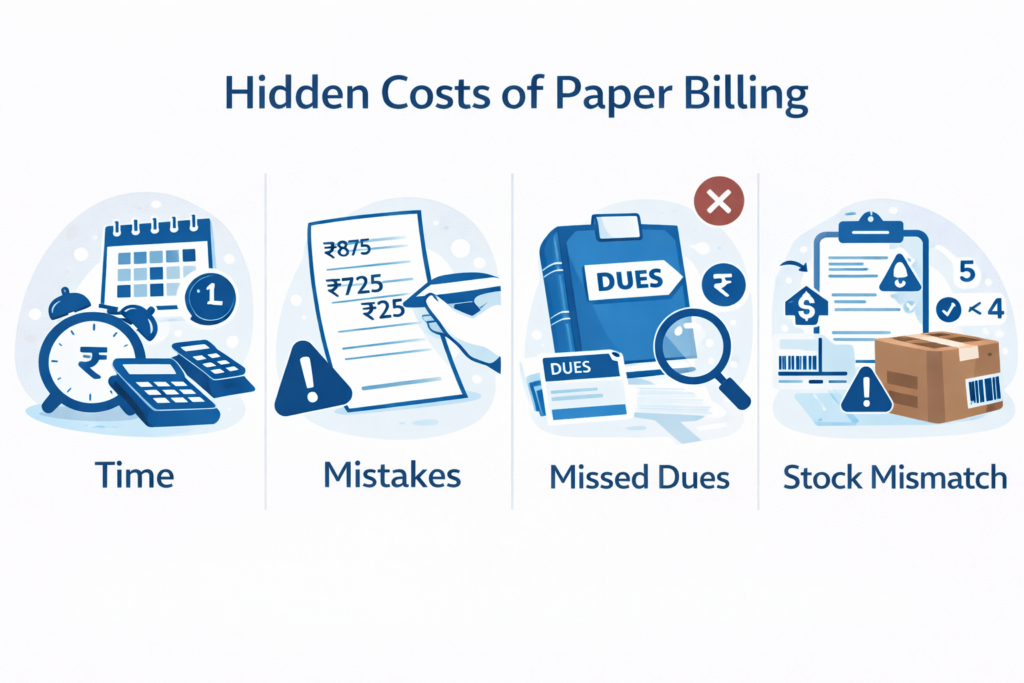
Paper billing feels low-cost, but it often creates hidden costs like:
- time spent writing bills and calculating totals
- time wasted searching old bills
- missed payments because dues weren’t tracked properly
- stock mismatches that lead to loss or over-purchasing
- manual reconciliation work every week/month
Digital billing has a visible cost (device/software/printing), but it often reduces time and leakage.
When Paper Billing Still Makes Sense
Paper billing can still work if your billing volume is low, product variety is limited, you don’t sell on credit, and you don’t need inventory tracking or detailed reporting.
Many businesses keep paper as a backup during the transition, even after starting digital billing.
When Digital Billing is a Better Choice
Digital billing is usually a better fit when you have higher daily bills, want WhatsApp bill sharing, manage inventory, sell on credit, want clear reports, or need better control over staff billing and collections.
How to Shift from Paper Billing to Digital Billing without Disrupting Business
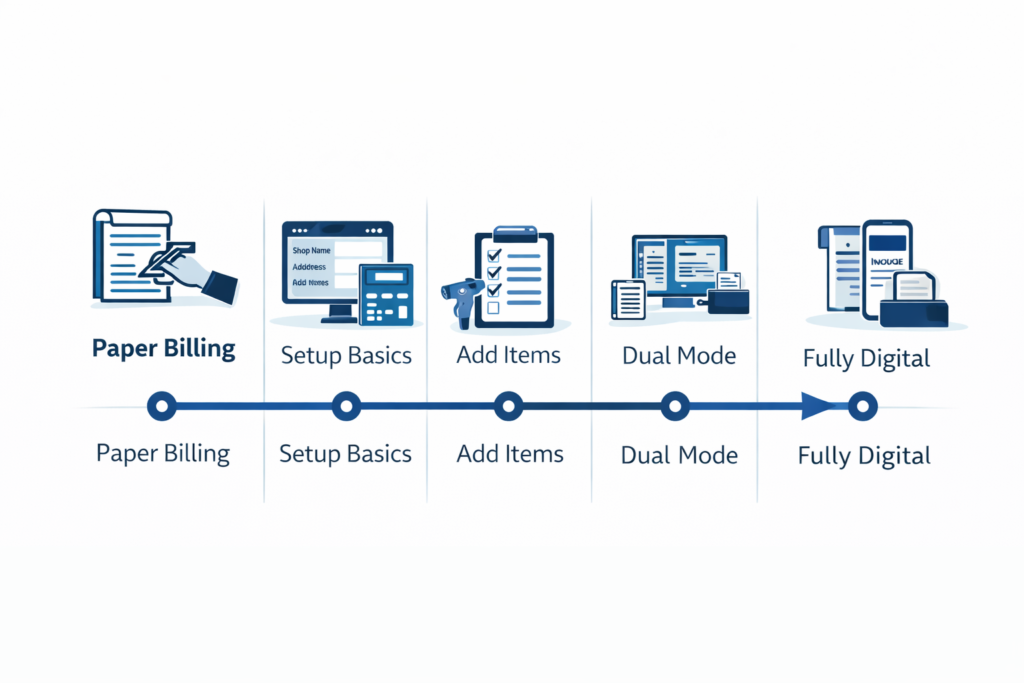
Choose your setup based on your business type. Retail counters often start with a mobile billing app and optional printer. Distributors often prefer stronger ledger and outstanding tracking. Multi-user setups need reliable sync.
Set up basics like business details, invoice format, numbering, and tax settings. Add your top-selling items first.
Run a short “dual mode” for about 7–14 days where you bill digitally for most sales but keep paper as backup. Compare daily totals to build confidence, then move fully digital once the process feels stable.
FAQs on Digital Vs. Paper Billing
Not always. Many small businesses still use paper. Digital billing is typically chosen because it’s faster and easier to manage records, not because it’s mandatory.
In many cases, yes. But it can become harder to maintain consistency and avoid calculation errors as volume grows. Digital billing often makes record-keeping easier.
If you have daily counter sales, digital billing usually helps with speed, WhatsApp bills, stock control, and daily sales reports.
For most SMBs, it’s a combination of faster billing, fewer mistakes, and better visibility on sales, stock, and dues.
