
Yes, billing software for retail shops can be used on mobile. For many small and growing shops, a mobile billing app can help create GST bills, share invoices, record payments, check inventory, and view sales reports without depending only on a computer at the billing counter.
But mobile billing is not about replacing every retail setup with a phone. It works best when you understand what your shop needs: simple counter billing, stock updates, quick invoice sharing, payment tracking, or owner-level business monitoring. A kirana shop, garment store, mobile accessories shop, cosmetics store, stationery shop, or small hardware shop may use mobile billing very comfortably. A supermarket or high-volume store may still prefer desktop POS billing at the counter and mobile access for monitoring.
Summary
Retail shops can use billing software on mobile for daily billing, GST invoices, inventory checks, customer payment tracking, invoice sharing, and business reports. Mobile billing is especially useful for small shops, owner-managed counters, field sales, delivery billing, and shops where the owner wants to check business updates from anywhere. For heavy barcode billing, multiple counters, or large SKU lists, mobile billing works better when combined with desktop or POS billing.
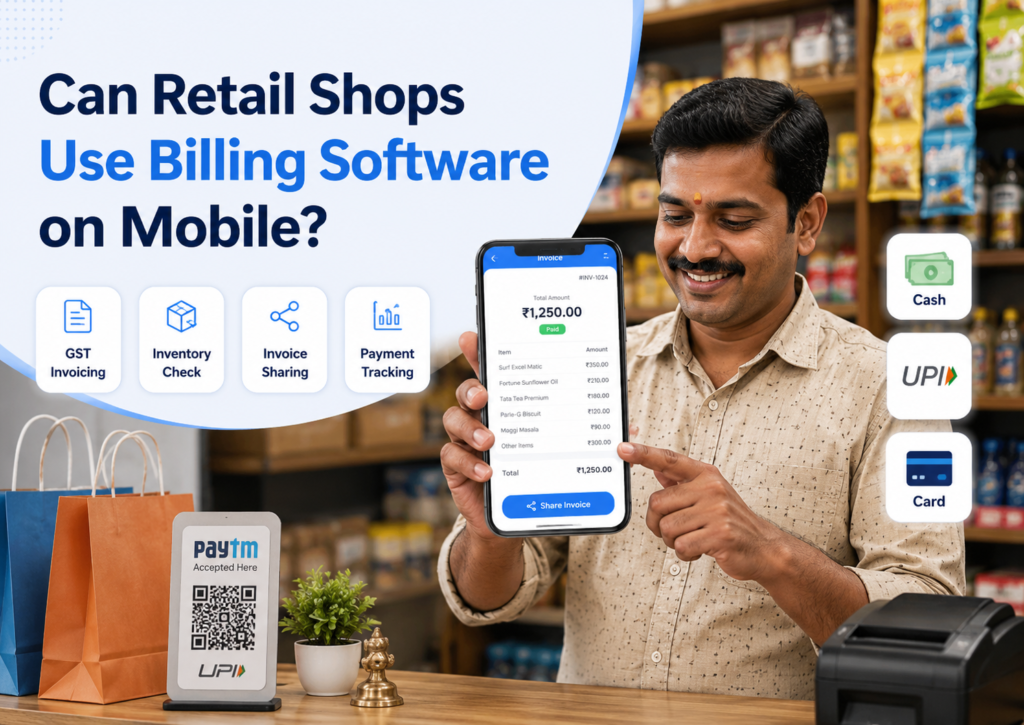
Table of Contents
- What Does Mobile Billing Software Mean for a Retail Shop?
- Why Retail Shop Owners Prefer Mobile Billing
- What Retail Tasks Can Be Done on Mobile Billing Software?
- When Is Mobile Billing Enough for a Retail Shop?
- When Should Retail Shops Use Mobile Plus Desktop Billing?
- Practical Examples of Mobile Billing in Retail Shops
- What Should You Check Before Using Billing Software on Mobile?
- Common Mistakes Retailers Should Avoid with Mobile Billing
What Does Mobile Billing Software Mean for a Retail Shop?
Mobile billing software is a billing app that lets you manage sales and invoices from a smartphone or tablet. Instead of writing bills in a paper book or waiting for a desktop system, the shop owner or staff can create bills directly from a mobile device.
For a retail shop, mobile billing usually means you can:
- Create GST and non-GST invoices
- Add products to a bill
- Apply discounts
- Record cash, UPI, card, or credit payments
- Share bills on WhatsApp or SMS
- Update stock after every sale
- Check daily sales reports
- Track pending payments
- Share data with your accountant
For example, a small mobile accessories shop can create a bill for a charger and earphones from the phone, record UPI payment, and send the invoice to the customer on WhatsApp. The owner can later check which accessories sold more during the day.
Why Retail Shop Owners Prefer Mobile Billing
Many Indian retail shop owners are not always seated near a computer. They may be standing at the counter, checking stock, speaking to suppliers, managing another branch, or handling deliveries. Mobile billing gives them flexibility.
1. It is easy to start
A mobile app is usually easier for first-time users because most shop owners and staff already use smartphones daily. This reduces the fear of moving from manual registers to software.
A small stationery shop owner may not want a full computer setup on day one. They can start by adding products, creating bills, and sharing invoices from mobile.
2. It helps during rush hours
If the main billing counter is busy, a mobile device can help create a quick bill for a simple purchase. This is useful for small shops where the owner and staff both handle customers.
For example, in a garment shop, one staff member can check item details or create a bill from mobile while another manages the counter.
3. It helps owners monitor the shop remotely
Mobile billing is not only for creating invoices. It also helps the business owner check sales, payments, stock, and reports even when they are not at the shop.
For example, if the owner is visiting a supplier, they can check which items are low in stock before placing a purchase order.
4. It makes invoice sharing faster
Many customers prefer receiving bills digitally, especially for warranty, returns, or business purchase records. With mobile billing software, the shop can share invoices quickly through WhatsApp, SMS, or email, depending on the software.
This is useful for electronics shops, mobile shops, appliance stores, and other retail businesses where customers may need bills later.
What Retail Tasks Can Be Done on Mobile Billing Software?
Mobile billing software can handle many daily retail activities. The exact features depend on the software you choose, but these are the most useful tasks for retail shops.
Create GST and non-GST bills
A mobile billing app should let you create proper invoices with product details, quantity, rate, discount, tax, and payment mode. If your shop is GST-registered, the bill should include GST details, tax breakup, invoice number, customer information where needed, and item-level tax details.
For a simpler explanation of GST invoices, you can refer to this GST invoice guide.
Manage products and prices
Retailers can add item names, selling prices, tax rates, units, and categories from mobile. This is useful for small shops with a manageable product list.
For shops with thousands of SKUs, bulk upload and desktop access may be more convenient for the first setup. After that, the mobile can still be useful for stock checks and quick updates.
Track inventory while billing
When billing and inventory are connected, stock reduces automatically after every sale. This helps shop owners avoid separate manual stock registers.
For example, a cosmetics shop can check whether a particular face cream or shampoo variant is available before confirming the sale. If the stock is low, the owner can plan the next purchase.
If inventory control is a major requirement, it is better to use dedicated inventory management software along with billing.
Record payments and pending dues
Mobile billing software should allow you to record whether the customer paid by cash, UPI, card, or credit. This helps with daily cash closing and payment follow-ups.
For shops that sell to regular customers on credit, customer-wise outstanding reports are useful. Instead of checking a diary, the owner can see who has pending payments and against which bill.
View sales and business reports
Mobile reports are useful for quick decisions. A shop owner can check daily sales, product-wise sales, payment collections, and pending dues without waiting for the end of the month.
For example, if cold drinks, snacks, or phone covers are selling faster than expected, the owner can reorder before stock runs out.
When Is Mobile Billing Enough for a Retail Shop?
Mobile billing can be enough when the shop has simple billing needs and a limited number of users.
It usually works well for:
- Small kirana and general stores
- Mobile accessories shops
- Stationery shops
- Small garment shops
- Cosmetic shops
- Gift shops
- Footwear shops with limited billing volume
- Home-based or small retail businesses
- Retailers who mainly need GST invoices and payment records
For these shops, a phone or tablet can handle most billing tasks. The owner can create bills, track payments, share invoices, and check stock without investing in a large billing counter setup immediately.
When Should Retail Shops Use Mobile Plus Desktop Billing?
Mobile billing is useful, but some retail shops need a bigger setup. In such cases, mobile and desktop billing work better together.
Use mobile plus desktop billing when your shop has:
- High daily bill volume
- Barcode scanning at the counter
- Thermal printer setup
- Multiple staff members
- Multiple counters
- Large product lists
- Detailed stock and purchase entries
- Frequent returns and exchanges
- Owner monitoring from outside the shop
For example, a supermarket may need desktop-based POS billing software for fast checkout, barcode scanning, and printer connection. But the owner can still use a mobile to check sales, stock, and reports from anywhere.
A mobile shop may use desktop billing at the counter for IMEI or serial-number tracking, while the owner uses a mobile to check payment collections and sales reports.
Practical Examples of Mobile Billing in Retail Shops
Kirana store
A kirana shop owner can create quick bills, record UPI payments, and check fast-moving items from mobile. If the shop grows and adds barcode billing, desktop access can be added later.
Garment shop
A garment shop can use mobile billing to create invoices and check size or colour-wise stock. For faster counter-billing during the festive rush, a desktop or tablet setup may be more comfortable.
Electronics or mobile accessories shop
A mobile accessories shop can create bills, track customer payments, and share invoices on WhatsApp. If the shop sells phones or warranty-based products, it should check whether the software supports detailed item tracking as required.
Small hardware shop
A hardware shop owner can use mobile billing for quick invoices and credit customer tracking. For large product lists with different units, the initial item setup may be easier on a desktop.
What Should You Check Before Using Billing Software on Mobile?
Do not choose a mobile billing app only because it looks easy. Check whether it can handle your actual shop work.
Ease of billing
The billing screen should be simple. Your staff should be able to search products, add quantity, apply a discount, record payment, and share the bill without confusion.
GST support
If your shop is GST-registered, check whether the app supports GST invoices, tax breakup, HSN details, invoice numbering, GST reports, and credit or debit notes if needed.
Inventory sync
Every sale should update stock correctly. If you use both mobile and desktop, check whether data syncs properly across devices.
Printer and barcode support
If you need printed bills or barcode scanning, check device compatibility before finalising the software. Some shops may need Bluetooth printers, barcode scanners, or desktop POS billing for smoother checkout.
Multi-user access
If your staff also uses the software, check whether you can give separate access. The owner may want to allow billing access to staff but keep reports, profit details, or settings restricted.
Reports on mobile
Reports should be easy to understand on a small screen. Daily sales, payment mode reports, stock reports, and outstanding payment reports are especially useful for retail owners.
Data backup and security
Your billing data should not depend only on one phone. Check whether the software supports secure backup, login control, and data access across approved devices.
Common Mistakes Retailers Should Avoid with Mobile Billing
Mobile billing can simplify work, but only if it is set up properly.
Avoid these mistakes:
- Creating bills without adding products correctly
- Not entering GST rates properly
- Using the same login for every staff member
- Ignoring stock updates after purchase entries
- Not checking printer compatibility
- Not training staff before using the app at peak hours
- Using mobile billing without backup or sync
- Treating reports as optional
A mobile billing app should become part of your daily workflow. If product details, prices, stock, and payment entries are not updated correctly, even the best app will give incomplete reports.
