
Bill Format & Bill Book Format – Free Download
Download free bill format and bill book format templates for shops and businesses. Get editable Word and Excel formats or ready-to-print PDF bill templates for everyday billing and record keeping.
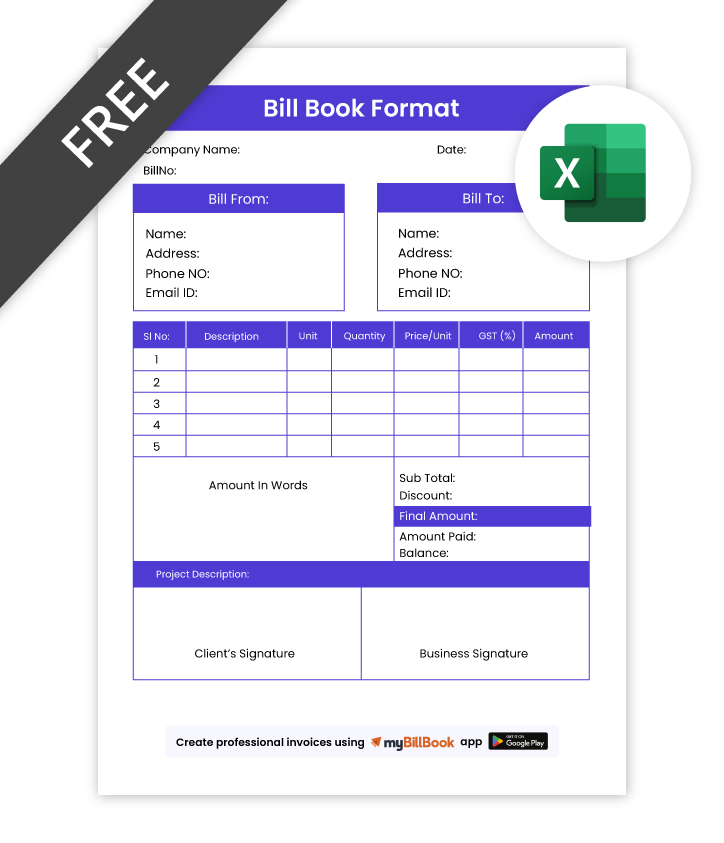
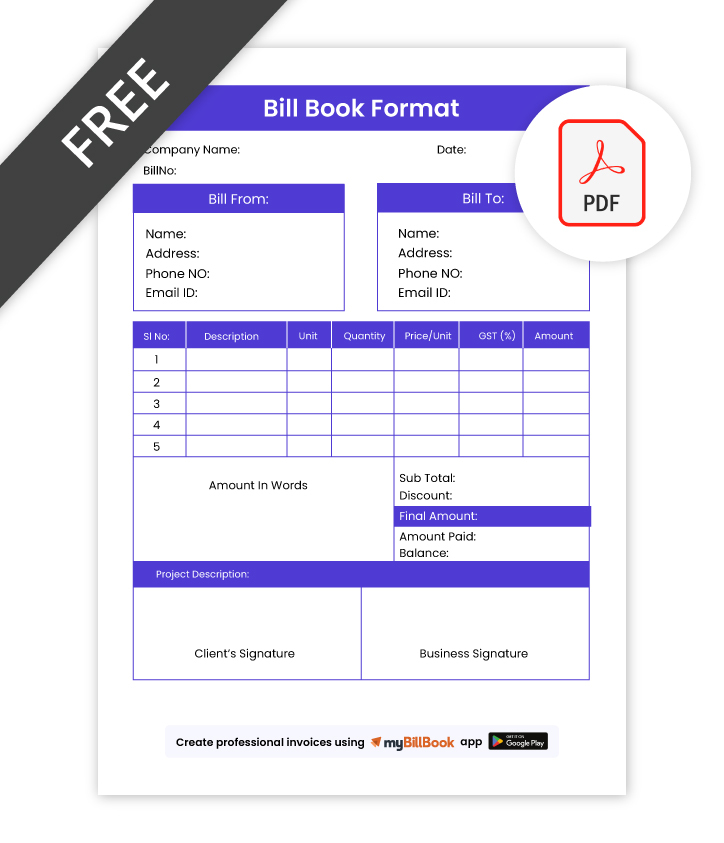
Download Bill Book Format Templates for Free
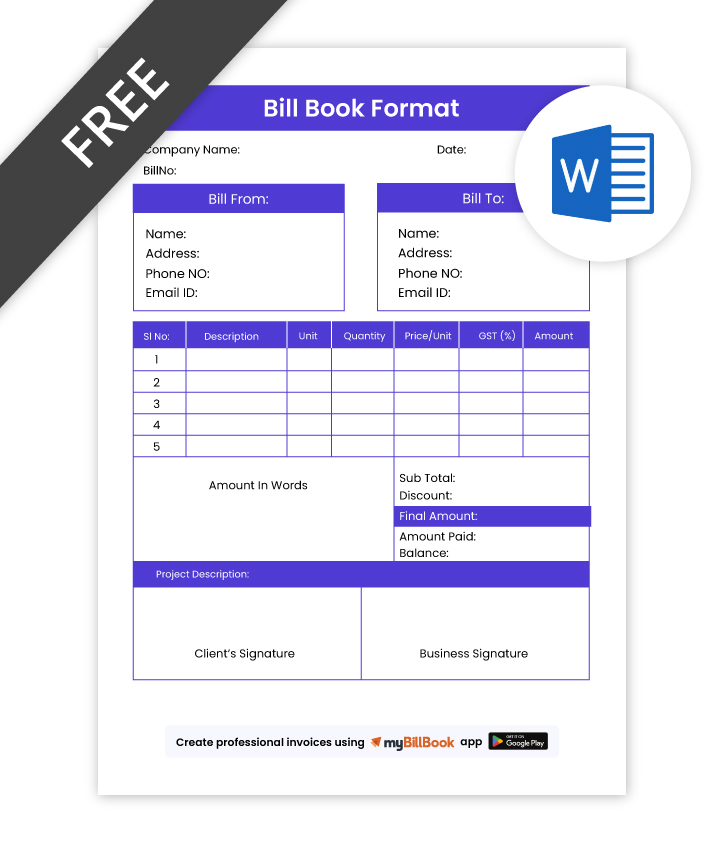
What is a Bill Format?
A bill format is the standard layout used to record a sale of goods or services. It usually contains business and customer details, bill number, date, item description, quantity, rate, taxes, discounts and the final payable amount.
What is a Bill Book Format?
A bill book format is a structured bill layout used repeatedly by a business for recording customer transactions. It contains the standard fields required for billing and can be maintained manually in a printed bill book or digitally using Word, Excel, PDF or billing software.
In everyday business use, “bill format” and “bill book format” are often used interchangeably. A bill format refers to the layout of an individual bill, while a bill book usually refers to a collection of bills following the same format.
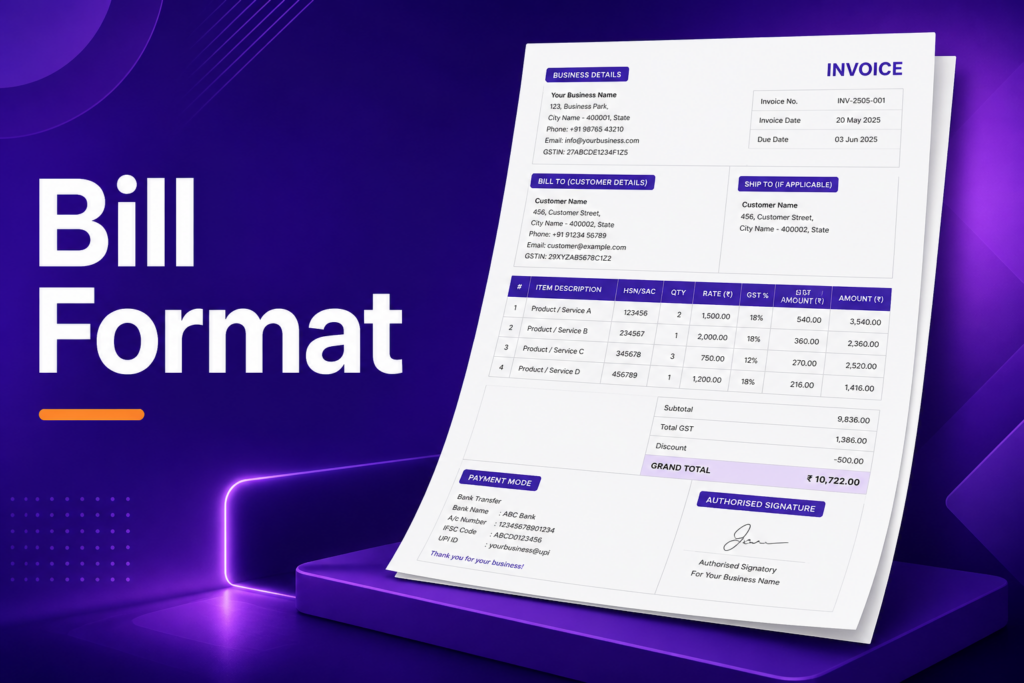
What Does Bill Book Format Include?
- Business Details – Business name, address, contact number, and GSTIN if applicable
- Customer Information – Customer name, contact details, and billing address
- Bill Number & Date – Unique bill number and date for proper record keeping
- Item or Service Details – Product or service name, quantity, rate, and amount
- Tax & Discount Fields – GST, discount, and any additional charges if needed
- Final Amount – Subtotal, total tax, grand total, and amount payable
- Payment Information – Payment mode, paid amount, or balance due
- Signature Section – Authorised signature and notes or terms if required
Simple Bill Format Sample
A simple bill format should clearly show who issued the bill, who purchased the goods or services, what was purchased, the quantity and rate, applicable taxes or discounts, and the final amount payable.
For recording customer purchases, use an editable sales bill format with item-wise prices, taxes and payment details.
A well-structured bill format also makes records easier to verify, store and reference later. Businesses can reuse the same layout for regular billing while keeping customer, item, tax and payment details consistent across every transaction.
If you want to create a bill instantly instead of editing a template manually, use our free invoice generator to create an invoice online.
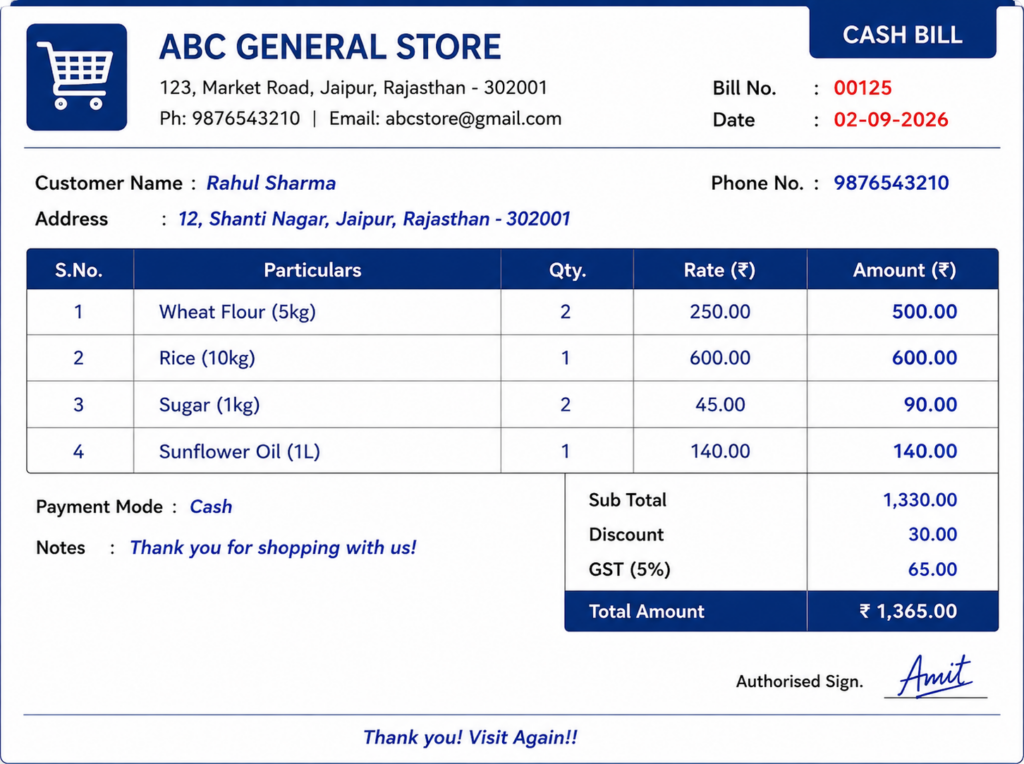
Bill Book Design Samples
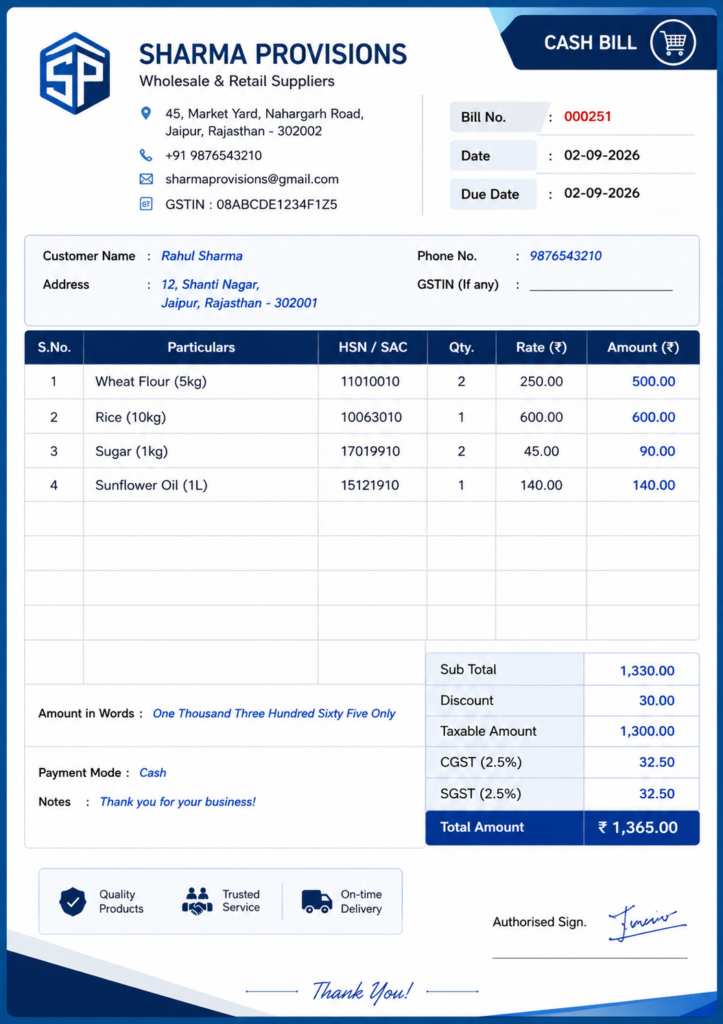
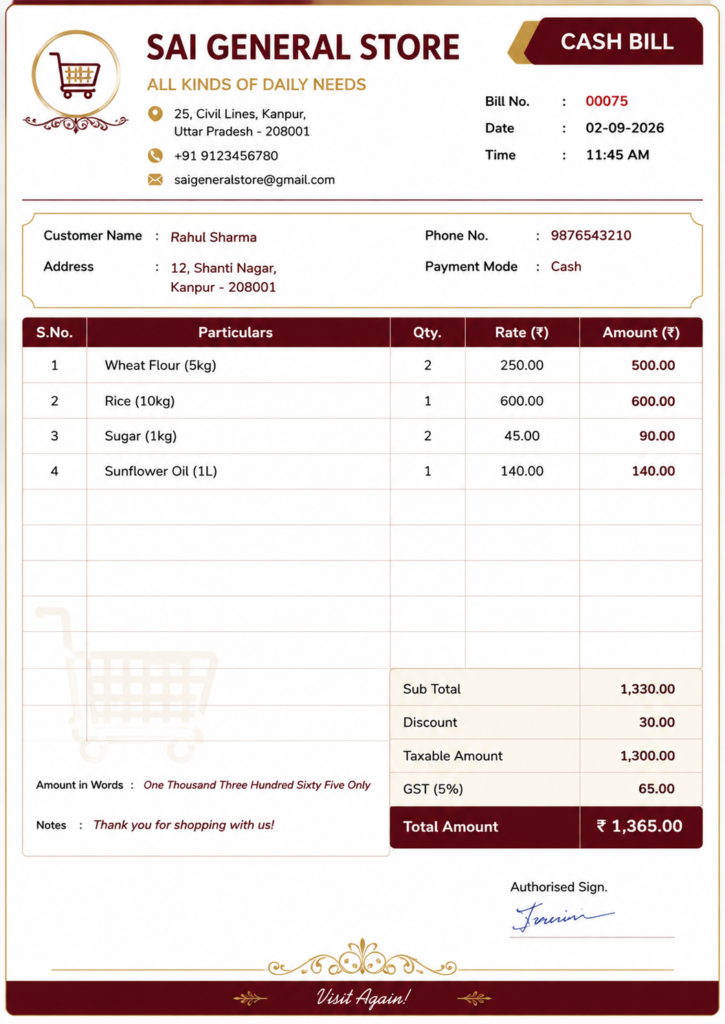
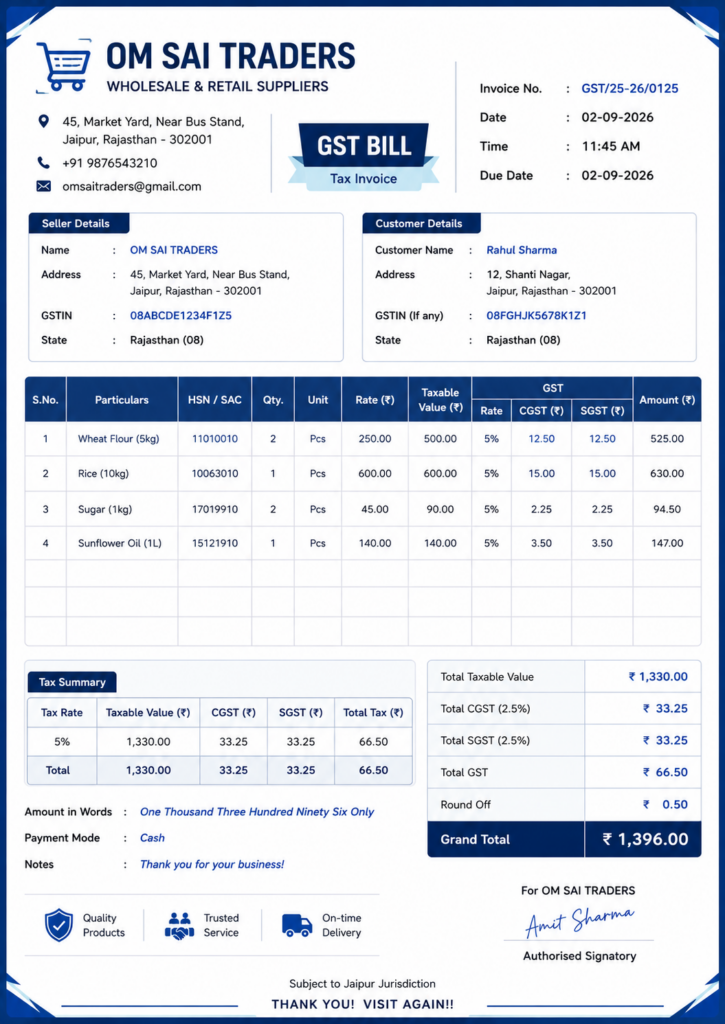
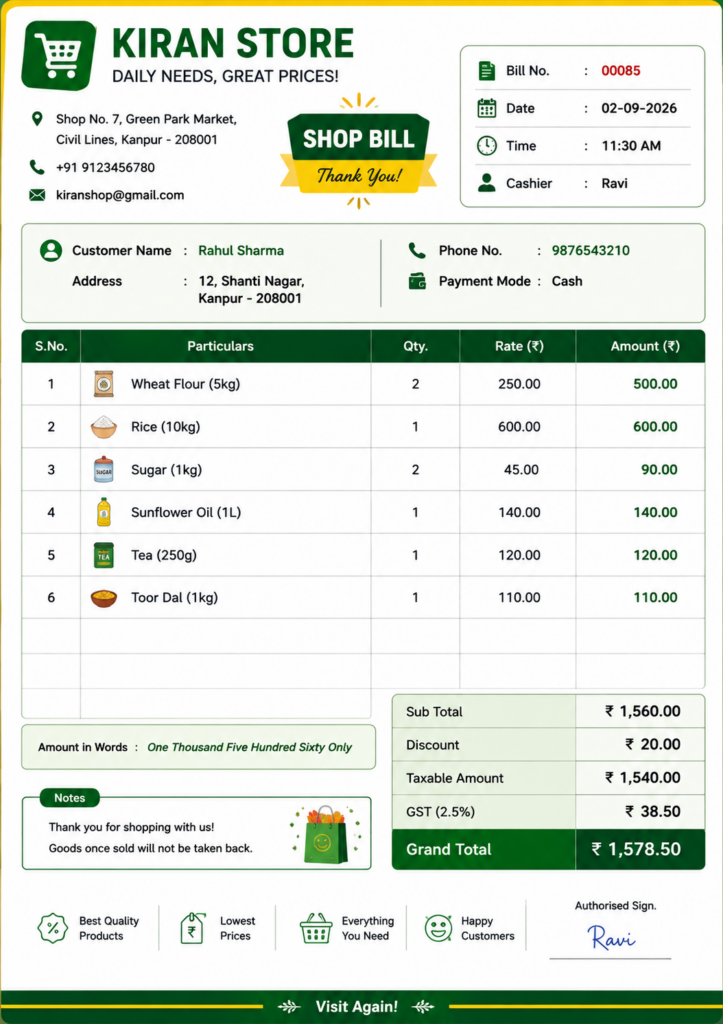
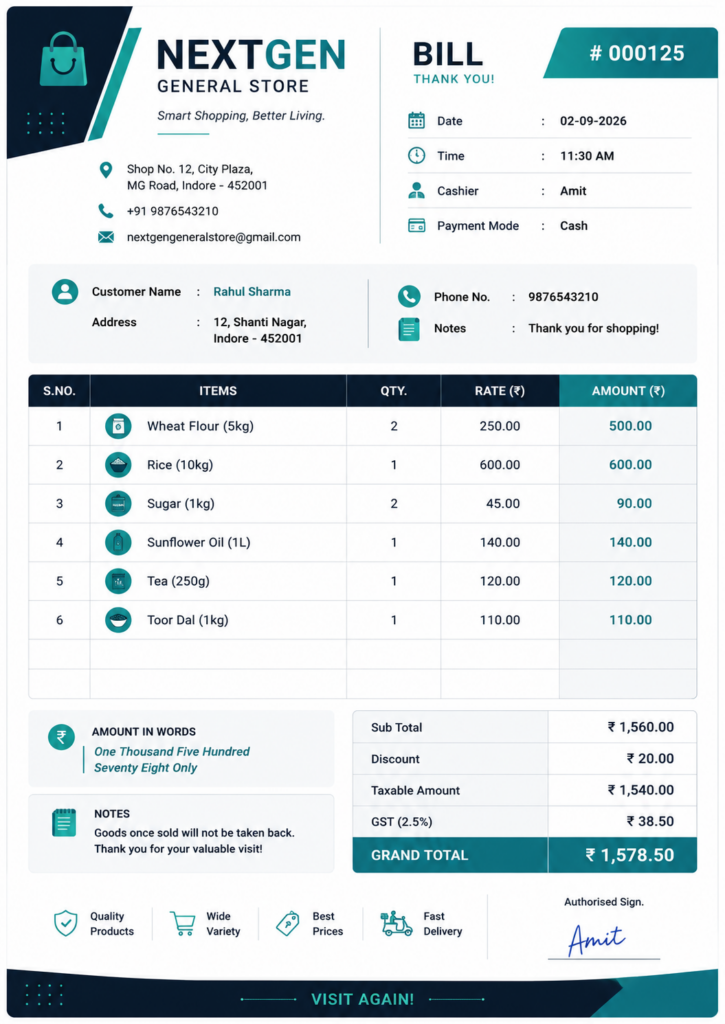
Bill book designs can range from simple business bills to branded GST bill formats. A good bill book design should keep important billing information easy to read while providing enough space for business details, items, taxes, totals and signatures.
Simple Bill Book Design
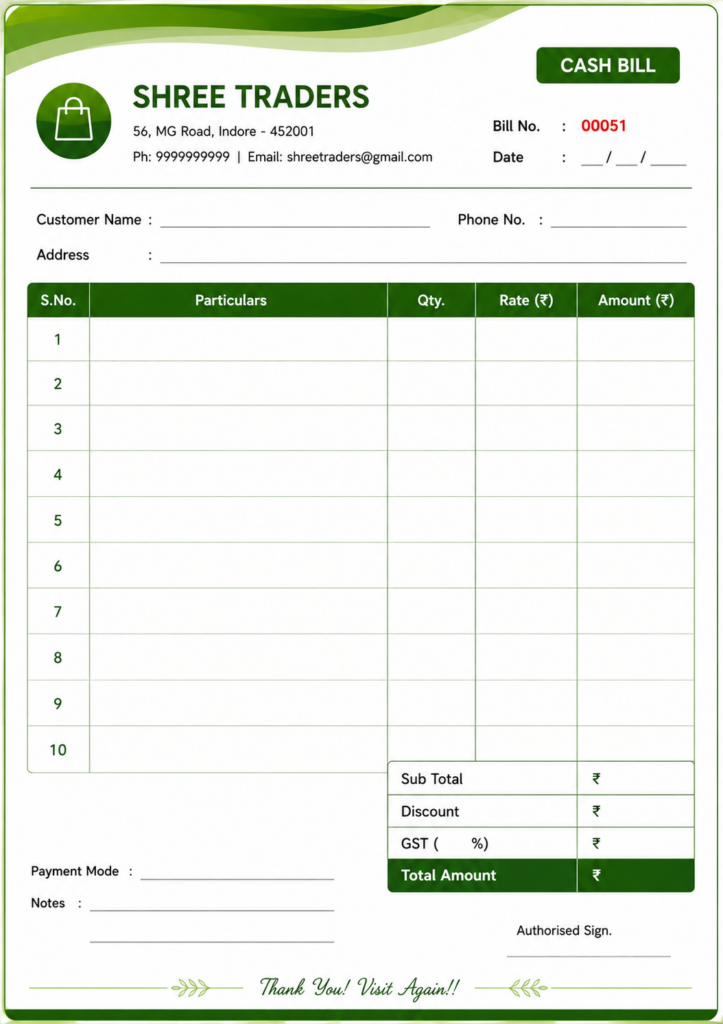
Professional Bill Book Design
Elegant Bill Book Design
GST Bill Book Design
Shop Bill Book Design
Modern Bill Book Design
Bill Book Format in Word, Excel, and PDF
A bill book format is available in Word, Excel, and PDF, and each format is useful in a different way. Some businesses prefer Word for easy editing, some use Excel for calculations, and some choose PDF for printing and sharing. The right format depends on how the business wants to make, save, and use its bills.
Businesses that do not want to manually edit Word or Excel templates can also create an invoice online using myBillBook’s free invoice generator.
| Format | Best Used For | Main Advantage |
| Bill Book Format in Word | Editing text, layout, and design manually | Easy to customise business details, logo, and bill structure |
| Bill Book Format in Excel | Item-wise billing, calculations, and tax totals | Useful for faster billing with organised rows, columns, and formulas |
| Bill Book Format in PDF | Printing, sharing, and storing fixed-format bills | Keeps the layout unchanged and is useful for professional bill copies |
How to Design a Bill Book
A bill book design should prioritise readability before decoration. Start with the business identity, add transaction fields, provide enough space for item details and totals, and finally add tax, payment and signature information.
1. Add your business details
Business name, logo, address and contact information.
2. Add a unique bill number and date
Keep every transaction easy to identify and retrieve.
3. Create an item table
Include item or service name, quantity, rate and amount.
4. Add taxes and discounts
Provide GST and discount fields wherever applicable.
5. Show the final amount clearly
Keep subtotal, tax and grand total easy to locate.
6. Add payment and signature fields
Include payment mode, notes and authorised signature where required.
Which Bill Book Size Should You Use?
myBillBook supports A3, A4 and thermal bill formats. The right option depends on the amount of information included in each bill, the type of business and the available printer.
- A3 bill format: Suitable for detailed bills that contain many products, item-wise tax information, payment terms and additional business details.
- A4 bill format: A practical choice for most businesses. It provides enough space for customer details, item descriptions, quantities, rates, GST calculations, discounts and totals.
- Thermal bill format: Best for retail stores, supermarkets, restaurants and other businesses that need to print compact bills quickly at the billing counter.
Businesses that prepare detailed invoices can use A3 or A4, while thermal bills are more suitable for fast, high-volume transactions. Choose a format that keeps all essential billing information clear and easy for customers to read.
Bill Formats for Different Businesses
Challenges You Might Face With Free Online Bill Book Formats
Free online bill book formats can be useful for basic billing, but they may not always fit every business need. Some formats may miss important details, allow only limited changes, or make it harder to keep records properly as billing increases. Over time, this can create confusion when making bills, checking old records, or managing payments.
- Bills may miss important details such as the date, bill number, item name, rate, tax, or total amount.
- Billing can become confusing when there is no fixed format to follow.
- Bills may look different each time, making the business look less organised.
- It becomes harder to keep proper records of daily sales and payments.
- Finding old bills later can take more time and effort.
- Small mistakes in amount, tax, or item details can happen more often.
- Sharing clear bills with customers can become difficult.
- Checking past sales, payments, or billing details becomes more difficult.
How myBillBook Billing Tool Makes Billing Simple
📄 Ready Bill Formats
Use ready bill formats with all the important fields already included, so your bills stay clear, complete, and easy to prepare for daily business use.
✍️ Easy Bill Creation
Create bills faster with a simple setup that helps you enter item details, rates, tax, and totals without missing any important details during billing time.
🧾 Sales Records
Keep customer details and sales records in one place, so checking past bills, purchase history, and business entries becomes easier whenever needed.
💰 Payment Tracking
Track paid and unpaid bills properly, so you can check pending amounts, follow up with customers, and keep payment records clear and organised every day.
📊 GST Billing Support
Add GST details while making bills, so tax amounts stay clear, calculations remain correct, and your billing records become more complete and useful.
📤 Print and Share Bills
Download, print, or share bills easily with customers whenever needed, so billing stays smooth, and your records remain simple to access and manage.
Frequently Asked Questions
Can I download a bill book in a free format?
Free bill book formats are commonly available in Word, Excel, and PDF. The right format depends on whether the requirement is editing, calculation, printing, or record keeping.
Is this bill book format available in Word, Excel, and PDF?
This bill book format is available in Word, Excel, and PDF so users can choose the format that best matches their billing process. Word is suitable for manual editing, Excel is useful for calculations, and PDF is helpful for printing and sharing.
Which bill book format is better: Word, Excel, or PDF?
The better format depends on how the bill book will be used. Word is useful for editing and layout changes, Excel is suitable for item-wise billing and calculations, and PDF is better for fixed-format printing and sharing.
What details are included in a bill book format?
A bill book format generally includes the business name, customer details, bill number, date, product or service details, quantity, rate, discount, tax, total amount, payment details, and a signature section.
Can a bill book format be customised before use?
Editable bill book formats can be customised by adding the business name, logo, address, contact details, GST information, and other billing fields, as required.
Is a bill book format useful for GST billing?
A bill book format can be used for GST billing when it includes tax-related fields such as GSTIN, item value, tax amount, and the final bill amount.
Can a bill book format be printed after download?
Downloaded bill book formats can be printed and used for billing records. PDF formats are especially useful for printing because they keep the layout fixed.
What is the difference between a bill format and a bill book format?
A bill format is the layout of an individual bill, while a bill book contains multiple bills using the same standard layout for recording business transactions.
What is a simple bill format for a shop?
A simple shop bill usually includes the shop name, bill number, date, purchased items, quantity, rate, applicable tax or discount, total amount and payment details.
Can I create my own bill book design?
Yes. A bill book design can be customised with a business name, logo, colours, contact details, billing fields, tax information and payment details.
What size should a bill book be?
The appropriate bill book size depends on the amount of information printed on each bill, the number of items normally billed and the preferred printing method.
Know More About Bill Formats