
Online Accounting Software for Indian Small Businesses
Access and manage your business accounts online from anywhere with myBillBook. Create invoices, record expenses, track payments and inventory, and view business reports across supported mobile and desktop devices.
Built for Indian small businesses that want accounting access beyond a single office computer.
Trusted by 1 Crore+ Businesses

What is Online Accounting Software?
Online accounting software is a digital accounting system that lets businesses access and manage financial records over the internet instead of keeping them limited to one computer or a manual register. It can be used on supported devices wherever internet access is available.
Businesses can use online accounting software to record sales and purchases, create invoices, track expenses and payments, manage inventory, and review reports. Because business data stays accessible across supported devices, owners can monitor their accounts even when they are away from their shop or office.
How Does Online Accounting Software Work?
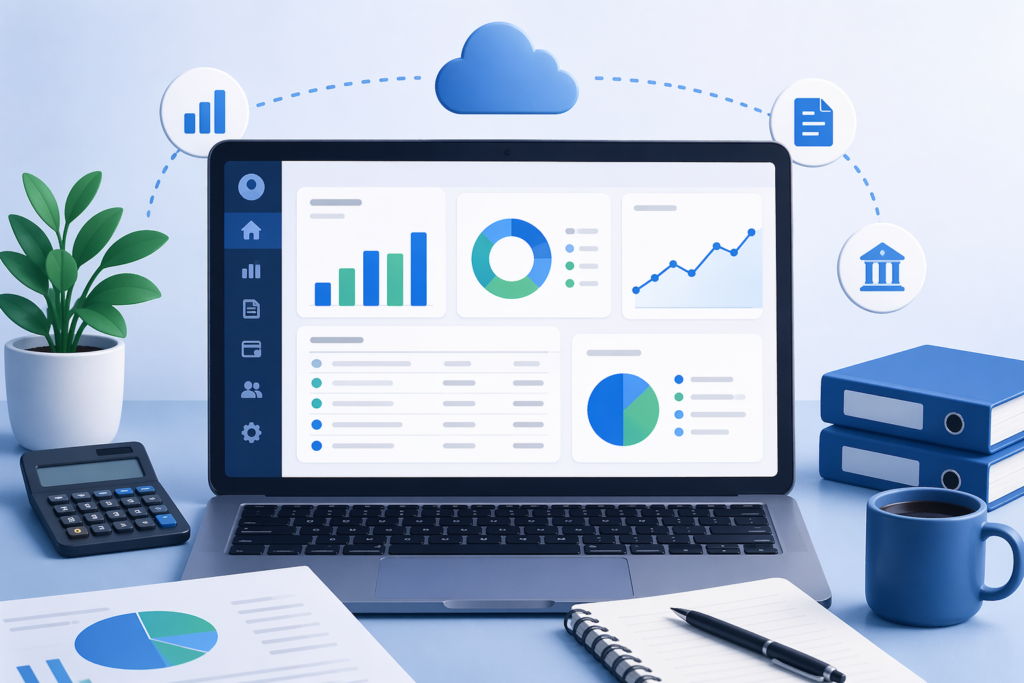
Online accounting software records business transactions digitally and makes updated business data available through connected devices. When an invoice, purchase, expense or payment is recorded, the related business records and reports are updated accordingly.
1. Record Business Transactions
Create invoices or enter sales, purchases, expenses and payments.
2. Update Business Records
The software updates related customer balances, stock and available reports based on recorded transactions.
3. Access Updated Information
Authorised users can review business information from supported devices instead of relying on one physical register or computer.
4. Review Business Performance
Use available sales, expense, stock, payment and accounting reports to monitor the business.
Why Use Online Accounting Software?
Access Accounts from Anywhere
Check business records without depending on the computer kept at your shop or office.
For business owners who specifically want to record everyday books from a smartphone, myBillBook also offers a mobile bookkeeping app.
Work Across Supported Devices
Access business information from supported mobile and desktop devices as your work location changes.
Keep Business Information Updated
Recorded transactions update related business records, reducing dependence on disconnected spreadsheets and registers.
Manage Multiple Business Activities Together
Handle billing, payments, expenses, inventory and reports through one connected system.
Monitor Your Business Remotely
Review sales, stock, pending payments and reports even when you are away from your business location.
Collaborate More Easily
Give relevant team members access according to the user and access options available in your plan.
Online Accounting Software on Mobile and Desktop
myBillBook lets businesses access supported accounting and business-management functions across mobile and desktop devices. This allows owners to create invoices, check business information and monitor operations without being restricted to one location.
- Create and share invoices
- Check outstanding payments
- Monitor stock
- Review business reports
Is Online Accounting Software Suitable for Indian Small Businesses?
Online accounting software can suit Indian small businesses that need digital billing, transaction records, payment tracking, inventory management and GST-related business workflows while accessing their records across supported devices.
Retailers
Manage billing, stock, customer payments and daily sales records.
Wholesalers
Record purchases and sales while tracking party balances and inventory.
Distributors
Monitor invoices, collections, outstanding payments and stock movement.
Small Manufacturers
Track purchases, sales, inventory and routine business transactions.
Service Businesses
Create invoices, record expenses and payments, and maintain customer records.
Key Features to Look for in Online Accounting Software
Is Free Online Accounting Software Enough for Business?
Free online accounting software can be suitable for businesses with basic requirements, but available features, usage limits and device access differ between products. Businesses that need advanced inventory, multiple users, desktop access or additional compliance features may require a paid plan.
Businesses specifically looking for a no-cost option can explore our free accounting software.
Online Accounting Software vs Desktop Accounting Software
| Factor | Online Accounting Software | Traditional Desktop Accounting Software |
|---|---|---|
| Access | Accessible through supported connected devices | Primarily tied to the installed computer |
| Location | Can be accessed away from the business location | Usually used from the system where it is installed |
| Device flexibility | Supports access across available platforms | Depends on installed device |
| Data availability | Updated records can be accessed across connected devices | Records may remain dependent on the local system/setup |
| Team access | Can support authorised users working with shared business records | Access may depend on local system configuration |
| Updates | Online systems can receive software updates centrally | Traditional software may require local updates |
Manual Accounting vs Online Accounting Software
| Feature | Manual Accounting | Online Accounting Software |
|---|---|---|
| Billing & Invoicing | Created manually using paper or basic tools, time-consuming and prone to calculation errors | Create invoices instantly with automatic calculations and easy sharing options |
| Expense Tracking | Requires separate records or notebooks, difficult to track consistently | Record and manage all expenses in one place with real-time updates |
| Inventory Management | Stock tracking is manual and often inaccurate | Track stock levels automatically with real-time updates and alerts |
| Payment Tracking | Hard to monitor dues and follow up regularly | Easily track pending payments and customer balances in one dashboard |
| Data Access | Limited to physical records, not accessible remotely | Access business data anytime using mobile or desktop |
| Accuracy | High chances of human error in calculations and records | Automated calculations ensure better accuracy and reliable data |
| Reporting | Requires manual calculations and time to generate reports | Get instant reports on sales, expenses, and business performance |
| Scalability | Difficult to manage as business grows | Easily handles increasing data and transactions as business scales |
Are Online Accounting Software and Cloud Accounting Software the Same?
Online accounting software and cloud accounting software are closely related terms. “Online accounting” primarily describes accessing and managing accounting through an internet-connected system, while “cloud accounting” describes software and data delivered through cloud infrastructure. Many modern accounting products fall into both categories.
Learn more about how cloud-based systems work in our guide to cloud accounting software.
How to Choose Online Accounting Software for Your Business
When choosing online accounting software, evaluate how easily you can access records remotely, which devices are supported, whether users can work with updated data, and whether the software supports the accounting workflows your business needs.
Device access
Check whether the software works on the devices used by you and your team.
Remote accessibility
Ensure important business information can be accessed when you are away from your office or shop.
Accounting capabilities
Look for invoicing, expenses, payments, purchases and relevant financial reports.
Indian business requirements
Check GST-related billing and compliance capabilities relevant to your business.
Inventory integration
Product-based businesses should check whether sales and purchases update stock records.
User access
Check available users, roles and access controls.
Pricing and scalability
Understand what is included in each plan before your transaction or user requirements increase.
Why Choose myBillBook for Online Accounting?
Access Business Records Across Devices
Use supported mobile and desktop platforms to manage business information from different locations.
Billing, Accounting and Inventory Together
Record everyday business transactions without maintaining disconnected billing, stock and accounting tools.
Built for Indian Small Businesses
Manage common workflows used by retailers, wholesalers, distributors and other Indian SMBs.
Track Payments and Outstanding Dues
Monitor party balances and pending collections alongside routine business transactions.
Scale Beyond Basic Accounting
Use available inventory, reporting, GST, e-invoicing and additional business-management capabilities as your requirements increase.
myBillBook Online Accounting Software Pricing
- Create unlimited invoices
- Access to 1 business, 1 user & 1 CA
- Inventory management
- Android, iOS & Web
- Custom Invoice Themes
- Create your Online Store
- Generate, Print & Scan Barcodes
- Desktop app
- SMS + WhatsApp marketing*
- Unlimited Godown management
- Print Barcode (Label printer)
- Bulk Download & Bulk Print Invoices
- Access to 2 businesses, 3 users & 1 CA
- e-Way Bills (Unlimited)
- Generate e-Invoicing
- Loyalty & Rewards
- Automate Recurring Billing
- POS Billing (Desktop App, Web app)
- Data Export to Tally (on request)
- User Activity Tracker
Frequently Asked Questions
Can I access online accounting software from anywhere?
Yes. Online accounting software is designed to make business records accessible through supported internet-connected devices, subject to the software's platform and account-access options.
Do I need to install online accounting software?
It depends on the product. Some online accounting systems work through a web application, while others also provide mobile or desktop applications.
Can online accounting software work on mobile and desktop?
Many online accounting platforms support multiple devices. myBillBook provides supported mobile, web and desktop access depending on the platform and plan being used.
Is online accounting software suitable for small businesses?
Yes. It can help small businesses manage invoices, expenses, payments, inventory and reports while accessing business information without depending on one physical location.
What is the difference between online and offline accounting software?
Online accounting software enables access through connected systems and supported devices, while offline accounting software primarily operates from locally installed software and locally available data.
Can multiple people use online accounting software?
Many online accounting systems offer multi-user access. The number of users, permissions and available roles depends on the product and subscription plan.
Can online accounting software manage inventory?
Some platforms combine accounting and inventory. myBillBook can connect billing, purchases and stock management so product-based businesses can maintain related records together.
Is online accounting software the same as cloud accounting software?
The terms often overlap. Online accounting describes accessing accounting through the internet, while cloud accounting refers more specifically to software and data delivered using cloud infrastructure.
Don't add: