
Xerox Bill Format
Create clear, professional Xerox bills for black-and-white photocopies, colour printing, scanning, lamination, and binding. Easily record service details, quantities, rates, and payments using ready-to-use Xerox bill formats available in Word, Excel, and PDF for everyday billing and record-keeping.
Powered by myBillBook - India's #1 Billing Software

What Is a Xerox Bill Format?
A Xerox bill format is a pre-arranged layout for recording photocopying and printing charges. A photocopy shop can use it for black-and-white copies, colour printouts, scans, laminations, spiral binding and related services.
It typically includes a bill number and date, the job or service, billable pages or pieces, unit rate, total amount and payment status. Unlike a general sales bill, it distinguishes paper size, print type and pricing units so customers can verify the charges.
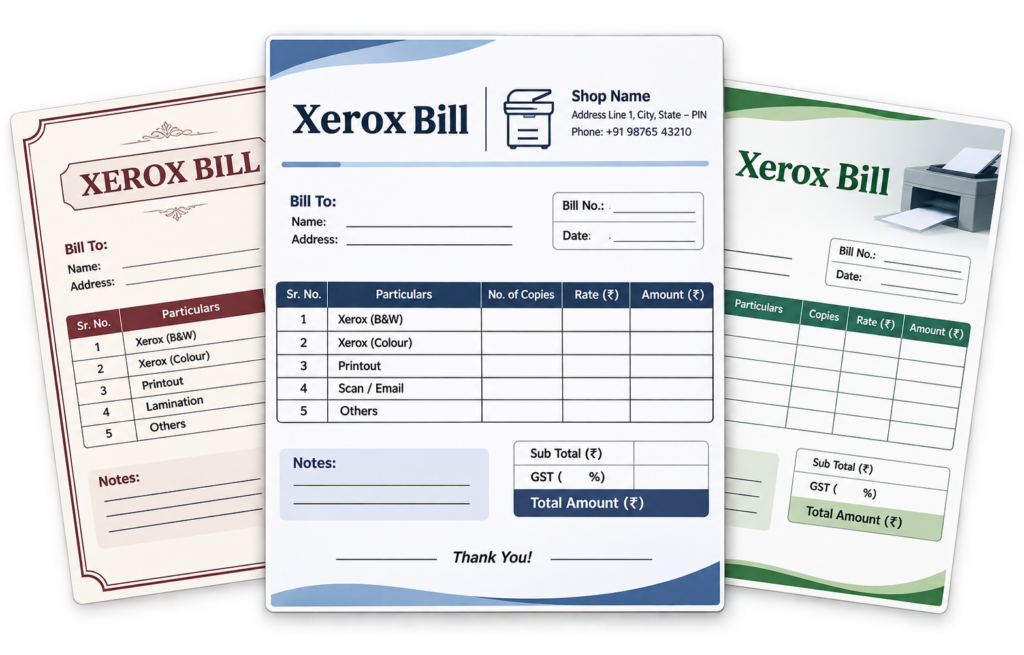
Xerox Bill Templates in Word, Excel and PDF
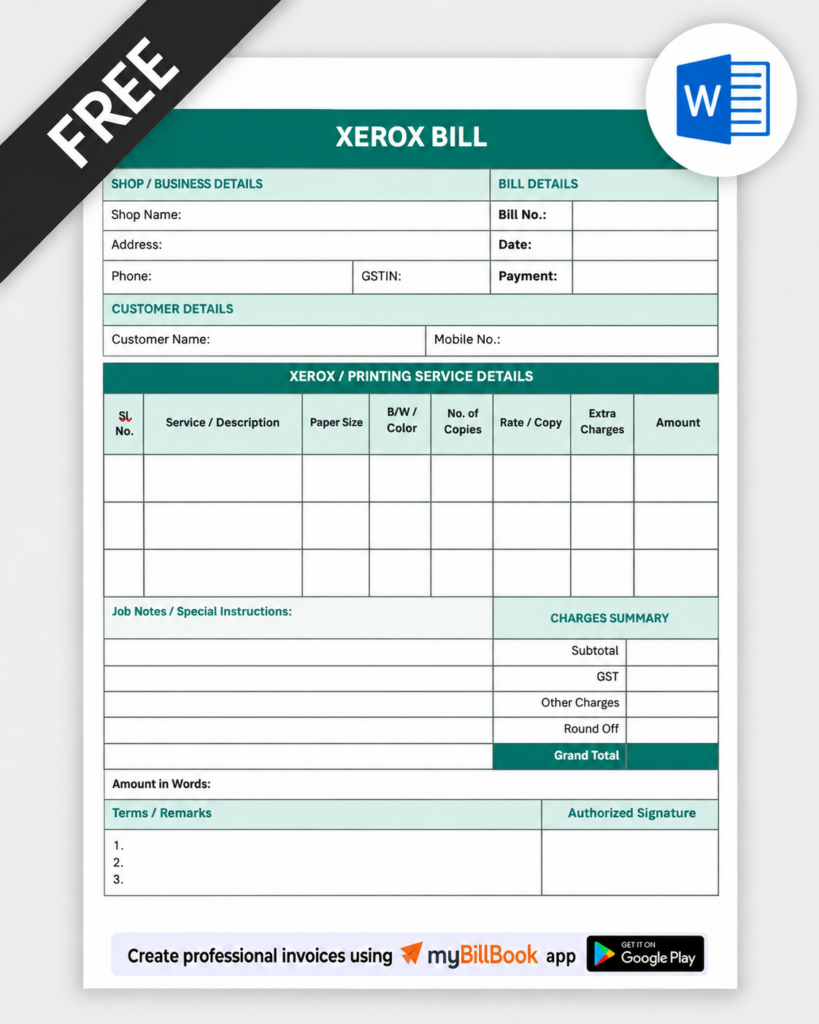
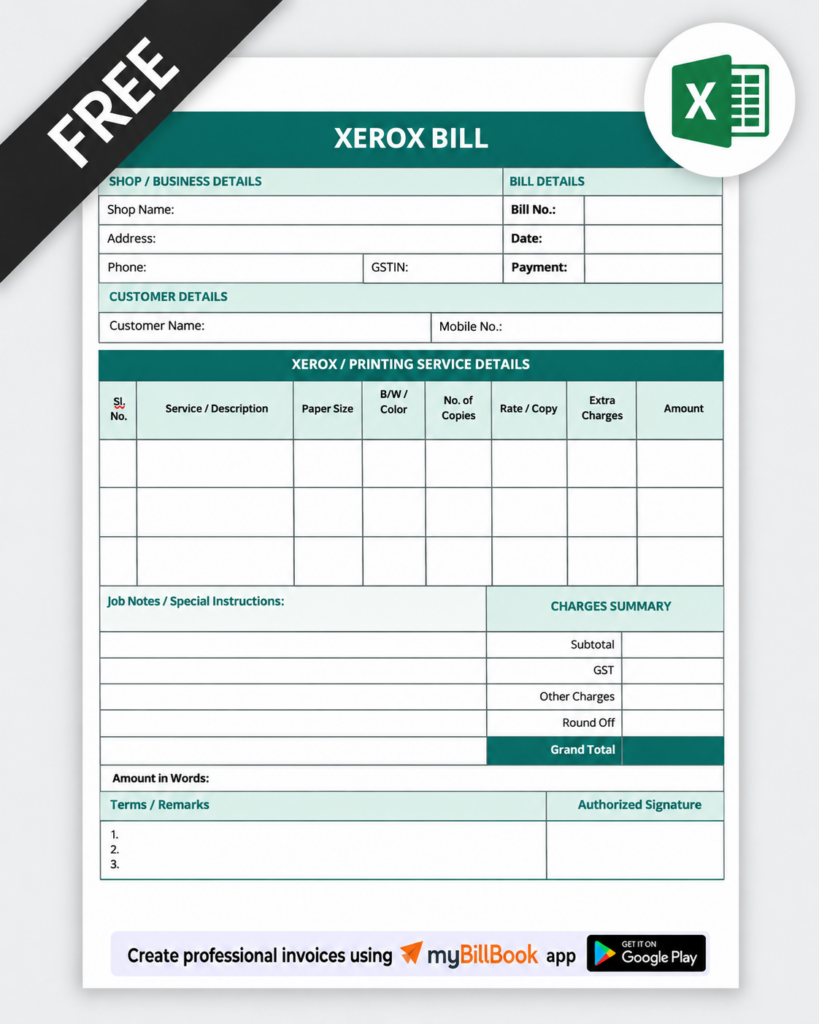
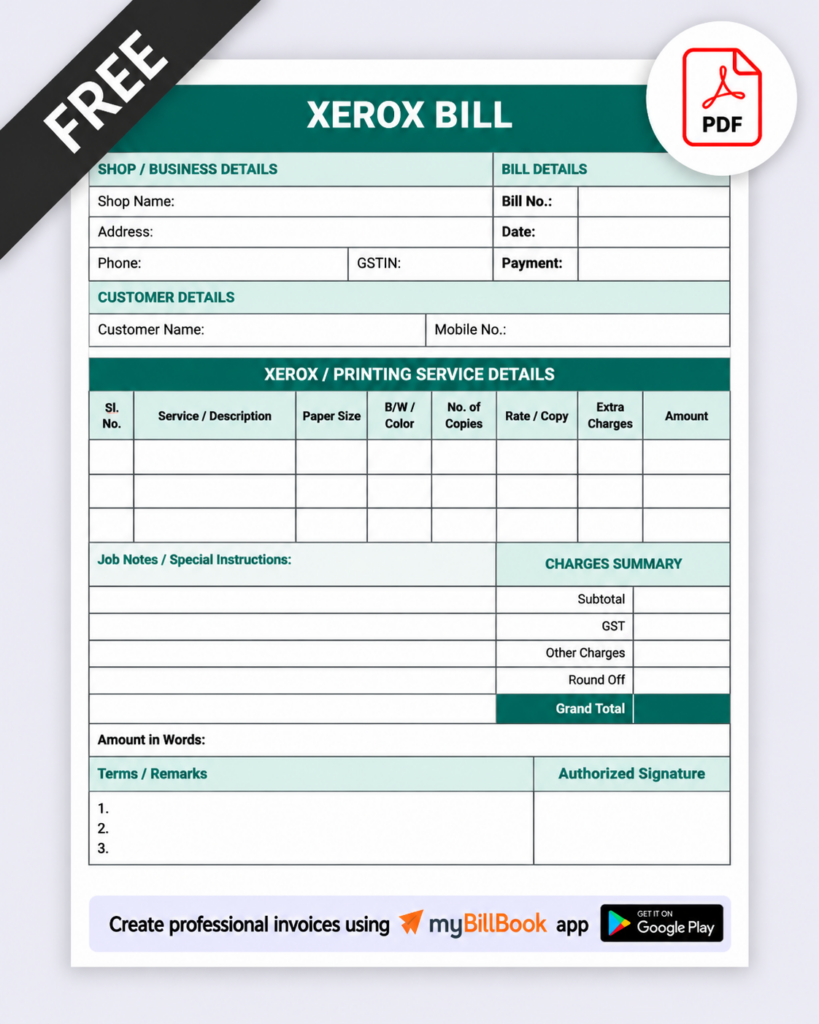
Sample Xerox Shop Bill with Page-Wise Charges
Below is an example of how a copy and print shop can bill different services on the same receipt. Rates are illustrative only.
| ABC Xerox & Print Centre — Sample Bill | ||||
|---|---|---|---|---|
| Bill No: XR-104 | Date: 25 Nov 2026 | |||
| Customer: Walk-in | Payment: UPI | |||
| Service | Qty | Unit | Rate | Amount |
| A4 B/W photocopies | 20 | Pages | ₹2 | ₹40 |
| A4 colour printouts | 5 | Pages | ₹10 | ₹50 |
| Document scanning | 3 | Pages | ₹5 | ₹15 |
| A4 lamination | 2 | Pieces | ₹30 | ₹60 |
| Total | ₹165 | |||
This example is a non-GST bill; GST requirements depend on supplier registration and the nature of the supply.
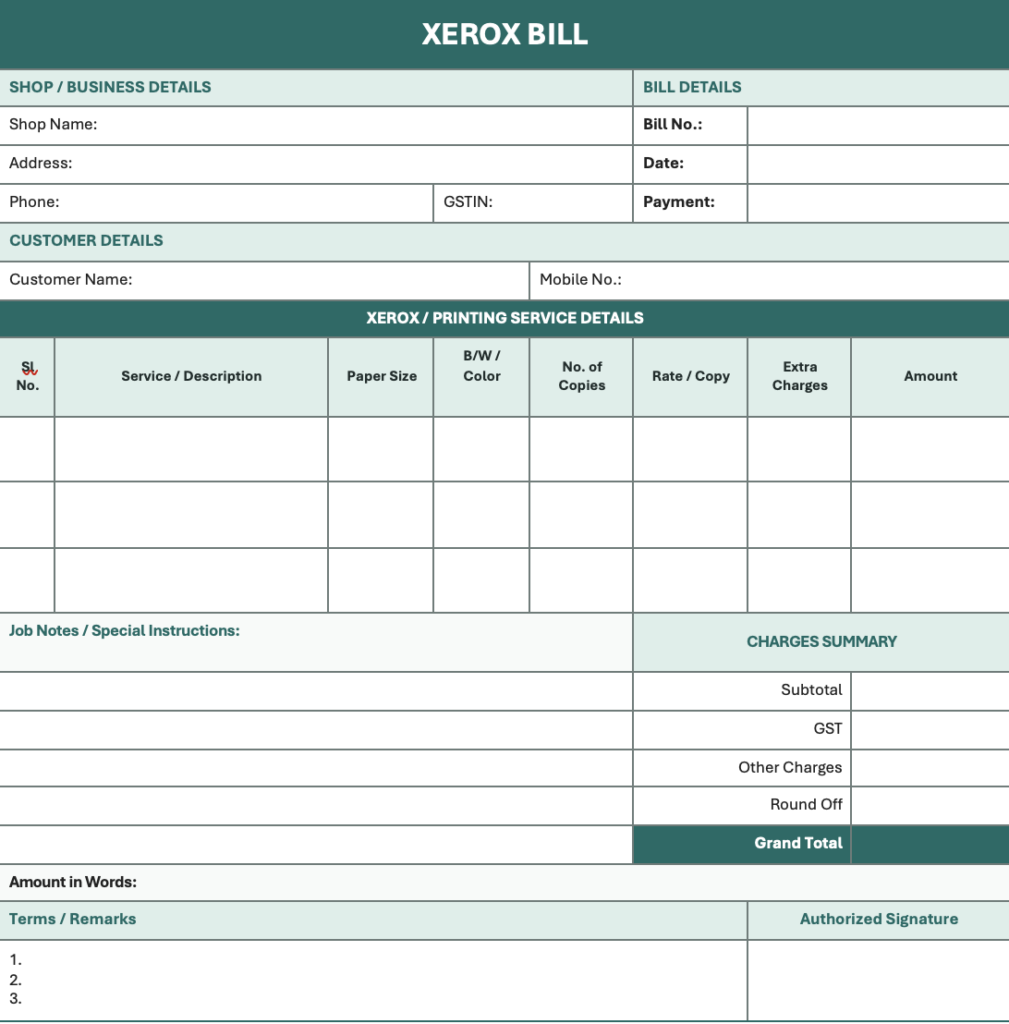
What Details Should a Xerox Shop Bill Include?
A Xerox bill should clearly record the photocopying, printing, and other services provided to the customer, along with the quantity, rate, and total amount. The following details help maintain accurate billing records and avoid confusion over charges.
1. Xerox Shop Details
Include the Xerox shop’s name, address, and contact number at the top of the bill. If the business is GST-registered, mention its GSTIN. These details help customers identify the shop and contact it if they need clarification about a transaction.
2. Bill Number and Date
Every Xerox bill should have a unique bill number and the date of the transaction. This makes it easier to find previous bills, track daily sales, and provide duplicate copies when customers request them.
3. Customer Details
Add the customer’s name and contact information when required. For corporate customers, schools, colleges, or businesses placing bulk orders, include the organisation’s name and relevant billing details. For small walk-in transactions, keep customer information minimal, subject to applicable invoicing requirements.
4. Xerox and Printing Service Details
Clearly mention the services provided, such as black-and-white photocopying, colour printing, scanning, lamination, or spiral binding. For photocopying and printing, specify the paper size (A4, A3, etc.) and whether the job is single-sided or double-sided.
5. Quantity and Rate per Service
Record the number of pages, sheets, sets, or pieces and the corresponding rate for each service. For example, 25 black-and-white photocopies at ₹2 per page should show a charge of ₹50. Make sure the billing unit is clearly stated, especially for double-sided printing.
6. Total Amount and Applicable Taxes
Show the amount for each service and calculate the final bill total. Include any discounts, additional charges, and applicable GST separately. This gives customers a clear breakdown of the amount they need to pay.
7. Payment Details
Mention whether the customer paid through cash, UPI, card, or another payment method. For advance payments or credit transactions, record the amount received and any outstanding balance.
How to Prepare a Xerox Bill for a Customer?
Step 1: Enter the Xerox Shop and Customer Details
Start by entering your shop’s name, address, and contact information. Add the bill number and date, followed by the customer’s details if required. For regular business customers, include their organisation name or billing reference.
Step 2: List the Services Provided
Add each service as a separate line item, such as black-and-white Xerox, colour printing, scanning, binding, or lamination. Mention the paper size and printing type wherever applicable so that the bill accurately reflects the work completed.
Step 3: Enter the Quantity and Rate
Specify the number of pages, sheets, or pieces for each service and enter the agreed rate. For example, if a customer requests 50 black-and-white photocopies at ₹2 per page, enter 50 as the quantity and ₹2 as the rate.
Step 4: Calculate the Total Bill Amount
Multiply the quantity by the rate for each service and add the individual charges. Include any additional services, discounts, and applicable taxes to arrive at the final payable amount.
For example, if the Xerox charges are ₹100 and lamination charges are ₹60, the total will be ₹160 before any applicable taxes or discounts.
Step 5: Verify the Bill and Record Payment
Check the service descriptions, quantities, rates, and calculations before finalising the bill. Record the payment method and amount received. If the customer has an outstanding balance, mention it clearly.
Step 6: Print or Share the Xerox Bill
Provide the completed bill to the customer as a printed copy or digital document. Keep a duplicate or digital record for future reference, daily sales tracking, and customer queries.
Understanding Xerox Charges: Per Page, Per Sheet and Bulk Orders
Per-page charges: Use separate rows for black-and-white and colour prints, because the per-page price can differ.
Double-sided printouts: State whether the quantity refers to printed sides or physical sheets. A 20-page document printed double-sided uses 10 sheets, but the charge depends on the shop’s pricing rule.
Bulk Xerox jobs: Mention the agreed bulk rate and number of pages or sets. Separate mixed-size or colour work into different rows.
Finishing charges: List lamination, scanning and spiral binding separately so customers can identify the cost of each service.
Which Xerox Bill Book Format Works Best?
Small counter bill: A compact printed bill book is suitable for simple walk-in copying work with only a few line items.
Detailed office bill: For businesses, colleges or institutions, include the customer reference, job description, individual services, rates and payment terms.
Word: Useful for editing a standard layout occasionally, although amounts must be checked manually.
Excel: Useful where multiple print and finishing charges are calculated frequently.
PDF: Suitable for printing blank bills to fill manually without changes to the layout.
Is GST Required on a Xerox Shop Bill?
A shop that is not GST registered should not collect GST on its bills. A registered business must follow applicable invoicing rules and classify its photocopying, printing and any goods sold appropriately.
For a GST tax invoice, the required particulars can include the supplier GSTIN, invoice number and date, applicable HSN/SAC, taxable values and tax breakup, along with recipient particulars where required. Do not assume all Xerox-related services and stationery have the same tax classification. See the separate guide on GST registration limits.
Keep Xerox Shop Bills Organised with myBillBook
As orders grow, digital invoicing can help maintain customer bills, payment records and sales history. With myBillBook billing software, businesses can create invoices and record payments instead of relying only on a handwritten bill book.
Frequently Asked Questions
Can a Xerox shop bill be used for office expense reimbursement?
Yes. Employees can submit a Xerox shop bill as supporting proof of photocopying, printing or document-related expenses. The bill should clearly show the shop details, transaction date, services provided and amount paid. Reimbursement acceptance depends on the employer's expense policy.
Can a Xerox shop issue a duplicate bill?
A Xerox shop can provide a duplicate bill if the original is lost. The duplicate should retain the original bill number, date and transaction details and be clearly marked as a duplicate to avoid recording the same sale twice.
How can Xerox shops manage monthly billing for regular customers?
Xerox shops serving offices, schools or businesses can maintain a record of individual printing jobs and prepare a consolidated bill at the end of the agreed billing period. They should record the jobs, dates, quantities, charges and payments, while following applicable invoicing and tax rules.
Can a Xerox shop use a handwritten bill book?
Small Xerox shops can use handwritten bill books for daily transactions. A pre-numbered bill book with duplicate copies helps maintain transaction records. Digital billing may be more convenient for shops handling frequent orders or regular business customers.
How should Xerox shops handle corrections to an issued bill?
If a bill contains an incorrect quantity, rate or amount, the shop should retain a record of the correction and issue a revised document where appropriate. GST-registered businesses must follow applicable rules for correcting invoices, including credit or debit notes when required.
Should Xerox shops keep copies of customer documents with their bills?
Keeping a billing record does not generally require retaining copies of customers' personal documents. Shops can record the service, quantity and amount without storing the contents of Aadhaar cards, certificates, financial records or other sensitive documents unnecessarily.