
Cloth Bill Format
Generate professional, GST-compliant cloth bill formats or garment shops, boutiques, textile stores, and clothing retailers. Download editable templates in Word, Excel, and PDF to record item details, quantity, price, discount, GST, and total bill amount.
You can also create GST-ready cloth bills using myBillBook to manage billing, inventory, returns, exchanges, and payment records in one place.
Powered by myBillBook - India's #1 Billing Software

What is Cloth Bill Format?
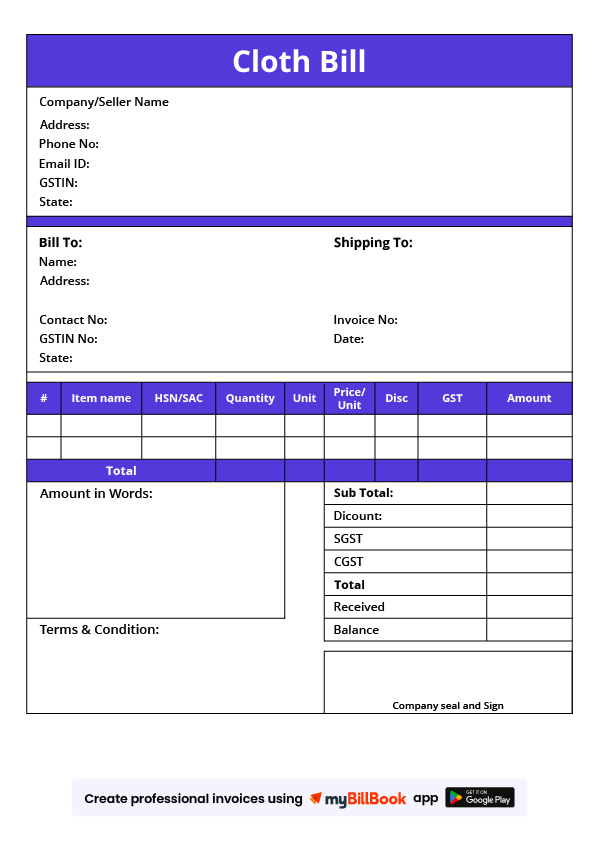
A cloth bill format is a ready-to-use billing template used by garment shops, boutiques, textile stores, dress shops, and clothing retailers to record clothing sales. It usually includes business details, customer details, bill number, date, item description, quantity, rate, discount, GST, and total payable amount.
Cloth bill formats are commonly used for ready-made garments, fabric sales, uniforms, tailoring orders, exchanges, and return records. Businesses can use Word, Excel, or PDF templates for manual billing, or use billing software to create GST-ready cloth bills faster.
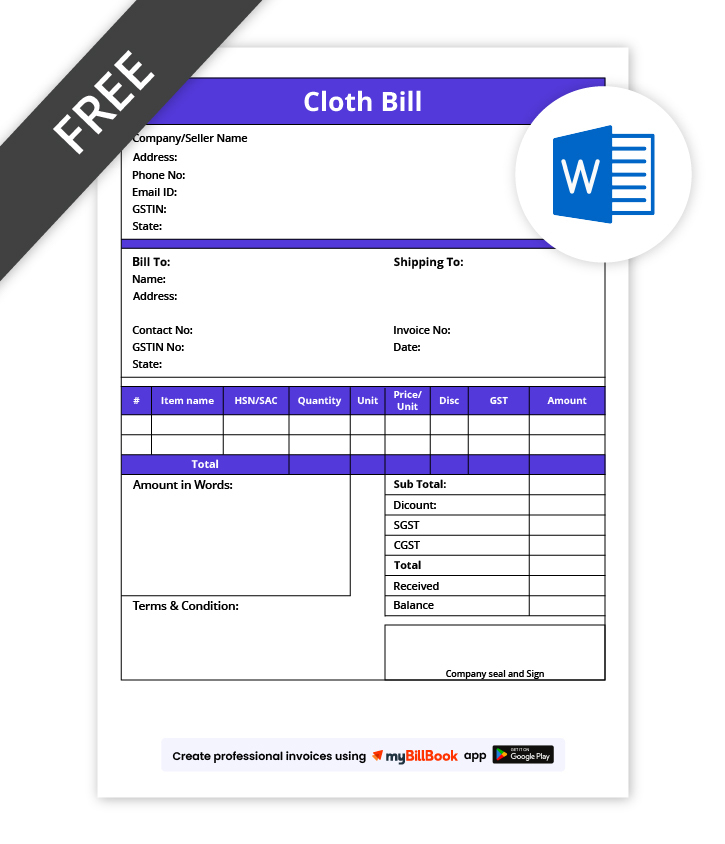
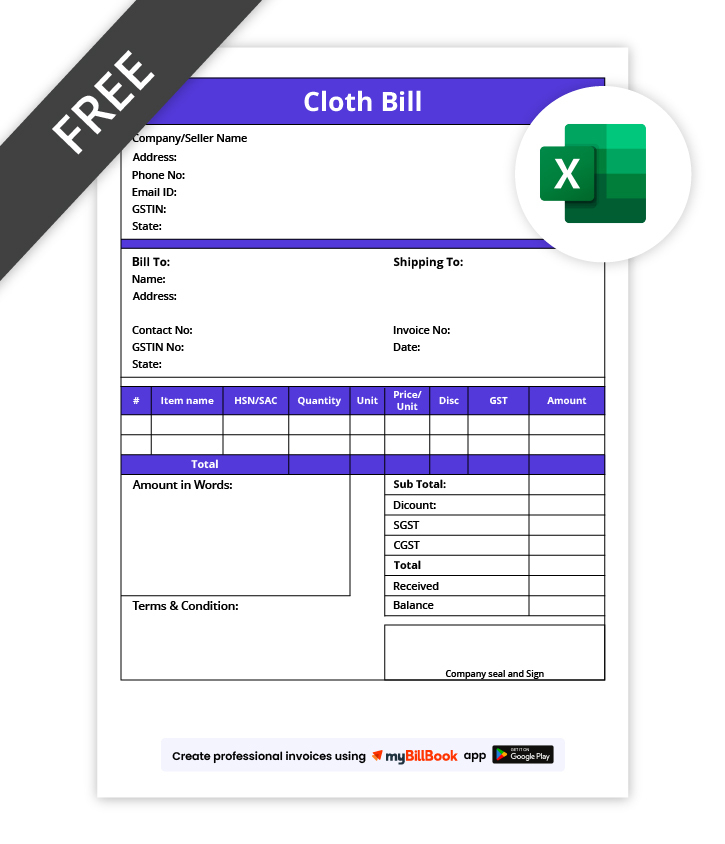
Download Free Cloth Bill Format in Word, Excel & PDF
Generate professional, GST-compliant cloth bills for sales, returns, or exchanges. Fully editable templates allow customisation with client information, item details, and pricing adjustments.
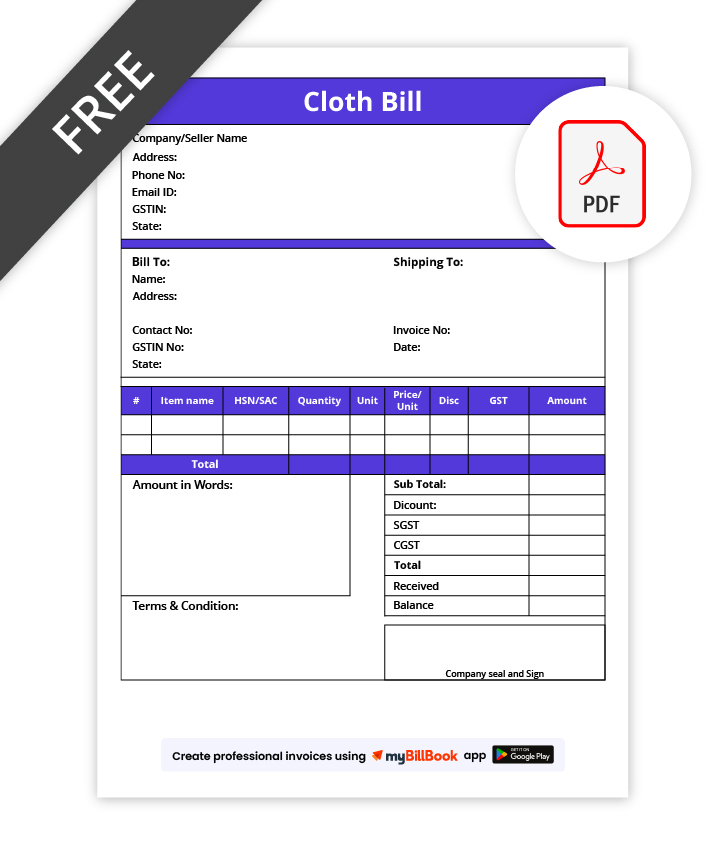
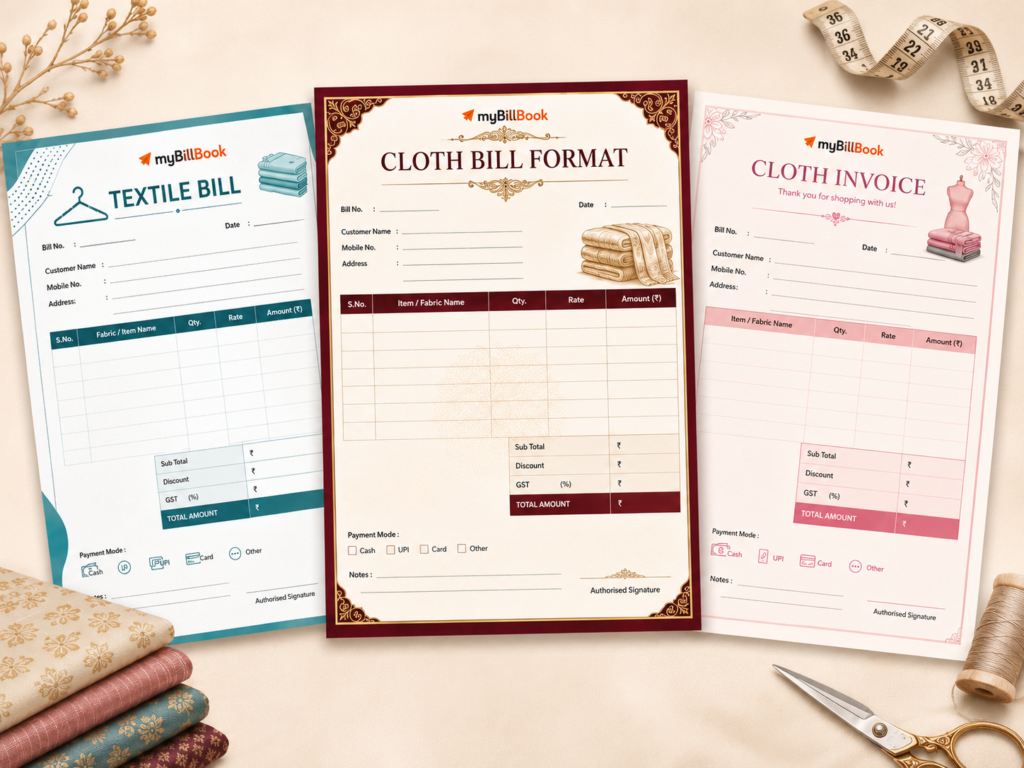
Prepare Branded Cloth Bill Templates Easily
Features of myBillBook Cloth Bill Format

Custom Templates
Create editable cloth bill templates in Excel, Word, or PDF with your company logo, client details, and itemized billing. Ensures professional, reusable, and GST-compliant documents every time.

GST Compliance
Add GST details to cloth bills with item-wise taxable value, GST rate, discount, and final bill amount. This helps garment shops and textile retailers create cleaner GST-ready bills for sales, returns, and exchanges.

Professional Layout
Organize content with tables, itemized billing, totals, and notes. Provides a clear, client-friendly layout that improves readability, professionalism, and consistency for all cloth bills generated.

Easy Sharing
Share cloth bills with customers through print, PDF, WhatsApp, or email. This helps clothing businesses send bills quickly and maintain digital records for future reference.

Record Keeping
Maintain accurate digital records of all cloth bills. Simplifies audits, reconciliations, and internal tracking while enabling easy retrieval of historical bills for Indian businesses.

Quick Duplication
Duplicate previous cloth bills instantly to create new ones for recurring clients or repeated sales. Saves time while maintaining consistent formatting, branding, and GST-compliance.
Sample Of Cloth Bill Format
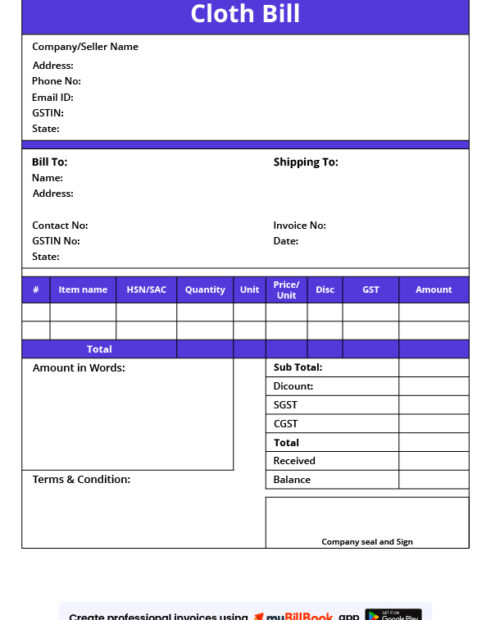
Cloth Bill Format Guide
What formats are available for the Cloth Bill Format?
Clothes bills can be created in various formats, including Word, Excel, and PDF. These formats are popular among small business owners because they are easy to create, edit and share with customers. The following are some methods for creating a clothes bill in Word, Excel, and PDF formats.
Clothes Bill Format in Word
MS Word is a popular word-processing software that you can use to create a clothes bill format in India. To create a garments bill format in Word, start by opening a new document and selecting a template that suits your business needs. Add your business logo, contact information, and transaction date. Next, list the products purchased, price per item, and any applicable taxes or discounts. Finally, add the total amount due and a payment due date. Word templates are easy to edit, reusable, and ideal for generating client-ready bills for small and medium garment businesses.
Clothes Bill Format in Excel
Excel is a popular spreadsheet software that you can use to create a textile bill format. To create a dress bill format in Excel, open a new worksheet and create columns for necessary fields such as product description, quantity, price per item, and applicable taxes or discounts. Use Excel’s built-in formulas to calculate totals and taxes automatically. Add your business logo, contact information, and payment due date. Excel formats are perfect for businesses handling multiple transactions, allowing quick updates, calculations, and professional, accurate billing.
Clothes Bill Format in PDF
To create a clothes bill in PDF format, you can create a cloth bill in Word or Excel and save it as a PDF file, or use a PDF editor to create one from scratch. Once created, add your business logo and contact information and save the file for sharing with customers. PDF formats are secure, tamper-proof, and ready for easy printing or emailing, making them ideal for audits and professional client communication in Indian garment businesses.
What are the fields to include in the Clothes Bill Format?
The following details should be included in a cloth bill format:
- Business name, address, contact number, and GSTIN, if applicable
- Customer name and contact details
- Bill number and bill date
- Item name or fabric/garment description
- Size, colour, design, brand, or fabric type, if required
- Quantity, meter length, or number of pieces
- Rate per item or per metre
- Discount, exchange, or return adjustment, if applicable
- Taxable value, GST rate, and GST amount
- Final payable amount and payment mode
- Authorised signature or business stamp
How to use Billing Software to generate a Clothes Bill?
Billing software can make the process of creating a clothes bill more efficient and accurate. With billing software, you can automatically create bills by entering the necessary information, such as purchased products, prices, and applicable taxes. The software can also generate reports that provide valuable insights into your business’s financial performance.
myBillBook is a billing software designed to meet the needs of small, medium and large-sized businesses. The invoicing software helps you to generate textile bills from your computer, mobile, PC, or any other smart device. You can also share the bills online and get the payments on time.
For textile and garment retailers, textile shop billing software can also help manage fabric inventory, item-wise GST billing, customer records, returns, and payment tracking.
Frequently Asked Questions
Can I customize a cloth bill template for different clothing items?
Yes, Word, Excel, and PDF templates are fully editable, allowing you to add new products, adjust prices, and modify details to suit different clothing items.
How do I ensure GST compliance in a cloth bill?
Use templates that include GST fields. Excel formulas or pre-designed Word/PDF fields can calculate taxes accurately for each item, ensuring compliance with Indian GST regulations
Can I reuse the same cloth bill template for multiple customers?
Templates are designed for repeated use; you can update client information and product details while maintaining consistent branding and layout for each bill.
Is it possible to share cloth bills digitally with customers?
Yes, once filled, Word and Excel bills can be exported to PDF for secure sharing via email, WhatsApp, or cloud storage with clients.
How long should I retain digital cloth bills for record-keeping?
Businesses should retain cloth bill records as per applicable GST, accounting, and audit requirements. For GST records, businesses generally need to keep invoices and related documents for the prescribed retention period, so it is better to maintain digital copies safely and verify the latest compliance requirement with a tax professional.
Is it necessary to provide a clothes bill to customers?
Yes, providing a clothes bill to customers is essential as it records the transaction and provides transparency about the garments purchased and the cost.
Can a clothes bill be generated manually?
Yes, a clothes bill can be generated manually using MS Word, MS Excel, or PDF editors. However, using billing software can make the process more efficient and accurate.
What information should be included in a clothes bill?
A clothes bill should include the business name and contact information, date of the transaction, invoice number, product description, quantity, price, total price, taxes, and any discounts applied.
Can I send clothes bills electronically?
Yes, you can send clothes bills electronically via email or billing software. It saves time and reduces paper waste.
What should a GST cloth bill format include?
A GST cloth bill format should include the seller’s GSTIN, buyer details, bill number, bill date, item description, quantity, taxable value, GST rate, GST amount, discount, and final bill amount. For textile or garment businesses, details such as size, colour, fabric type, or meter length can also be added when required.
Know More About Bill Formats