


Cafeteria POS Software
Manage orders, billing, and payments in seconds. Built for busy cafeterias, canteens, and food counters across India.
Trusted by 1 Crore+ Businesses

What is a Cafe POS Software?
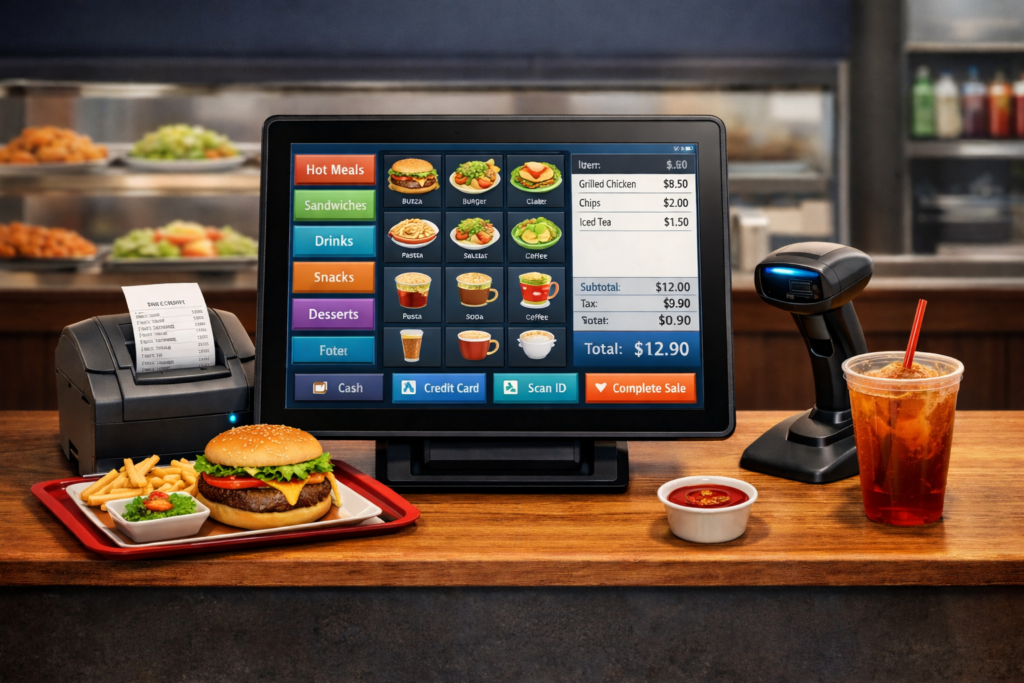
Cafeteria POS software is a digital billing system built for cafeterias, canteens, and food counters that handle fast, high-volume orders. It helps create bills instantly, manage food menus and prices, accept cash and UPI payments, and track daily sales from one simple POS screen—without manual registers.
Unlike complex restaurant systems, a cafeteria POS system is designed for speed and ease of use. Staff can quickly select items, generate bills, and share digital receipts, while owners gain clear visibility into sales and best-selling items through a smart cafeteria point-of-sale interface.
Challenges Cafeterias Face Without POS
Key Features of Cafeteria POS Software
Who Should Use Cafeteria POS Software?
School & College Cafeterias
Handle student crowds during short breaks with quick menu-based billing
Office Canteens
Serve employees fast with pre-set menus and cashless payment options
Factory Cafeterias
Manage shift-wise orders and track consumption across multiple shifts
Small Cafes & Food Counters
Perfect for tea stalls, juice corners, and quick-bite counters
Cloud Kitchens with Walk-ins
Handle both delivery orders and walk-in customers from one screen
How Cafeteria POS Software Works with myBillBook
⇒ Add Food Items & Prices
Set up your menu with items, prices, and categories. Takes just 10 minutes.
⇒ Select Items During Order
Customer orders? Tap items on screen to add to bill. Quick and error-free.
⇒ Generate Bill Instantly
Bill generated in one tap. Total calculated automatically with GST if needed.
⇒ Accept Payment
Cash or UPI—mark payment mode and complete transaction in seconds.
⇒ Share Receipt Digitally
Send receipt via WhatsApp or print. Customer happy, records saved.
⇒ Track Sales Automatically
Every sale recorded. View reports anytime from anywhere.
Why Choose myBillBook as Your Cafeteria POS Software?
Made for Indian Food Businesses
Built understanding Indian cafeteria workflows, payment preferences, and pricing patterns.
Zero Learning Curve
Staff can learn and start billing within 15 minutes. No training programs needed.
Works on Any Android Device
Use your existing phone or tablet. No special hardware or expensive machines required.
5-Minute Setup
Download, add items, start billing. That’s literally all it takes to get started.
Strong Support Team
Hindi, English, and regional language support. Get help whenever you need it.
Simple, Affordable Plans
Diamond Plan
₹217
Per month. Billed annually. Excl. GST @18%
✅ Create unlimited invoices
✅ Add up to 1 business + 1 user
✅ Inventory management
✅ App + Web support
✅ Priority customer support
✅ GSTR reports in JSON format Popular
Platinum Plan
₹250
Per month. Billed annually. Excl. GST @18%
Everything on Diamond Plan +
✅ Add up to 2 business + 2 user
✅ 50 e-Way bills/year
✅ Staff attendance + payroll
✅ Godown management
✅ Whatsapp and SMS marketing Popular
Enterprise Plan
₹417
Per month. Billed annually. Excl. GST @18%
Everything on Platinum Plan +
✅ Custom invoice themes
✅ Create your online store
✅ Generate and print barcode
✅ POS billing on desktop app
✅ Unlimited e-Invoices & e-Way bills
Frequently Asked Questions
How do I choose the best cafeteria POS software for my school or corporate dining facility?
The best cafeteria POS software should support fast item-based billing, multiple payment modes, simple staff access, and clear daily reports. Solutions like myBillBook are designed for high-volume cafeterias with minimal training required.
How does cafeteria POS software improve efficiency in serving lines?
Cafeteria POS software speeds up serving lines by enabling one-tap item billing, automatic totals, and quick payment acceptance. This reduces waiting time, prevents billing errors, and keeps queues moving smoothly during peak hours.
How can I evaluate the scalability of cafeteria POS software for future growth?
To assess scalability, check if the cafeteria POS system supports adding more items, staff logins, counters, and reports without complexity. Cloud-based tools like myBillBook grow easily as operations expand.
How do I ensure data security and compliance with cafeteria POS software?
Choose cafeteria POS software that offers secure cloud storage, role-based access, regular backups, and GST-ready billing. Reliable platforms ensure data safety while keeping sales records compliant and easily accessible when required.
What are the common payment methods supported by cafeteria POS systems?
Most cafeteria POS systems support cash, UPI, QR codes, cards, and digital wallets. Tracking each payment mode separately helps cafeterias reconcile collections accurately and avoid end-of-day mismatches.
Why should a cafeteria invest in specialised POS software instead of a generic retail system?
Specialised cafeteria POS software is built for fast, repetitive food billing and rush-hour operations. Unlike generic retail systems, it focuses on speed, simplicity, and high-volume efficiency required in cafeterias.
Why is inventory management crucial for cafeteria POS software?
Inventory tracking helps cafeterias monitor ingredient usage, avoid stockouts, reduce wastage, and plan menus better. Cafeteria POS software automatically links sales with item movement for smarter operational control.
When should a cafeteria consider upgrading its existing POS system?
A cafeteria should upgrade when billing is slow, reports are unclear, payment mismatches increase, or the system cannot handle peak-hour volume. Modern cafeteria POS software simplifies daily operations significantly.
Who benefits most from the implementation of cafeteria POS software?
School cafeterias, college canteens, office dining facilities, factory cafeterias, and small food counters benefit most, as they require fast billing, simple reporting, and easy staff management.
What are the best tools and software for cafeteria POS software?
The best cafeteria POS software combines fast billing, multiple payment support, simple reports, and mobile usability. Platforms like myBillBook are built for Indian cafeterias seeking ease, control, and scalability.
