
Inventory Management App
Track stock, purchases and sales from your mobile with myBillBook. Get automatic stock updates, low-stock visibility and item-wise reports while managing GST billing and inventory in one app.
Trusted by 1 Crore+ Businesses

What Is an Inventory Management App?
An inventory management app helps businesses record purchases and sales, monitor available stock and track item movement from a mobile device. It reduces manual entries and keeps stock records connected with everyday transactions.
myBillBook combines inventory tracking with GST billing, purchase records, party management and business reports for Indian retailers, wholesalers and distributors.
Designed for Indian small businesses, myBillBook provides a simple, mobile-first inventory app for Android users who want to manage billing and stock without complex setup.
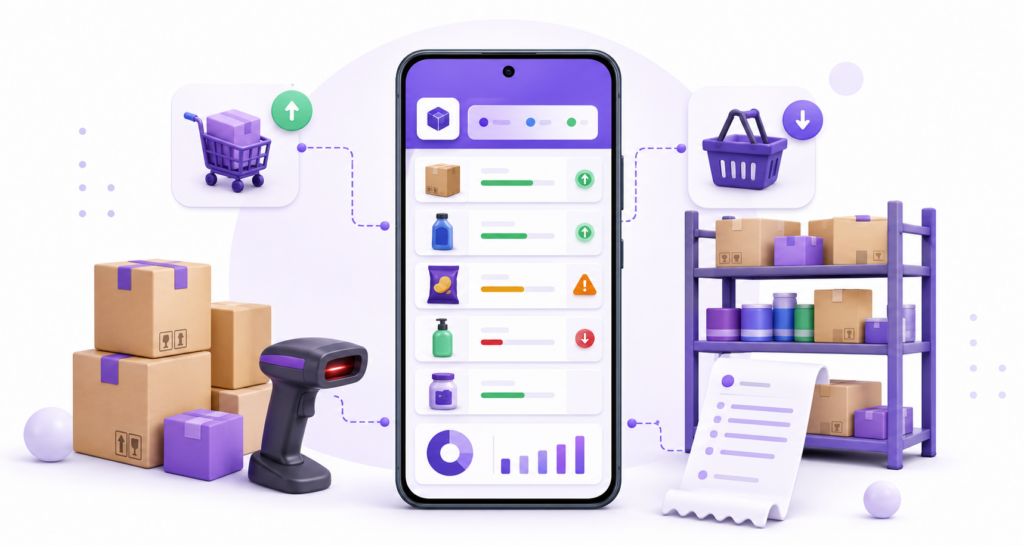
Why Use myBillBook Inventory Management App?
myBillBook is suitable for small businesses that want billing and stock records to update together rather than maintaining separate registers or spreadsheets.
For retail businesses, myBillBook connects billing with inventory management. Recorded sales, purchases and returns update the relevant stock records, reducing duplicate entries and stock mismatches.
Automatic stock updates: Sales, purchases and returns update the relevant item quantity.
Connected GST billing: Create GST or non-GST invoices using items already saved in inventory.
Low-stock visibility: Identify items that need replenishment before they become unavailable.
Business reports: Review stock summaries, item movement, sales, purchases and profitability.
Mobile access: Check inventory while working at the shop, godown or outside the business.
Inventory Management Features in the myBillBook App
Who Can Use the myBillBook Inventory Management App?
Retail Shops and Kirana Shops
TTrack everyday purchases, sales, returns, available stock and frequently replenished products.
Wholesalers and Distributors
Manage bulk items, parties, godowns and stock transfers.
Pharmacies and FMCG Businesses
Monitor batches, expiry dates and frequently replenished products.
Mobile and Electronics Stores
Record serial or IMEI numbers for individual units.
Supermarkets
Connect barcode-based billing with stock updates.
Small Manufacturers
Track finished items and everyday inventory movement where advanced production planning is not required.
Inventory Management App vs Inventory Management Software
| Requirement | Inventory management app | Advanced inventory software |
|---|---|---|
| Mobile stock checks | Strong fit | Depends on product |
| Billing-linked inventory | Suitable for small businesses | Often available |
| Simple purchasing and sales | Suitable | Suitable |
| Complex warehouse automation | Limited | Better fit |
| Supply-chain planning | Limited | Better fit |
| Quick setup | Usually easier | Usually requires more configuration |
Choose myBillBook if your business needs mobile-first billing, stock tracking and everyday reports in one system. Businesses requiring complex fulfilment, bin-level warehouse automation or advanced supply-chain planning may need specialised inventory software.
How to Add Items and Track Stock in the myBillBook Inventory App
See myBillBook Inventory Management App in Action
How Much Does the myBillBook Inventory Management App Cost?
myBillBook offers mobile access for businesses that want to start with billing and inventory management. Paid plans add capabilities such as unlimited invoicing, barcode management, desktop access and godown management.
- Create unlimited invoices
- Access to 1 business, 1 user & 1 CA
- Inventory management
- Android, iOS & Web
- Custom Invoice Themes
- Create your Online Store
- Generate, Print & Scan Barcodes
- Desktop app
- SMS + WhatsApp marketing*
- Unlimited Godown management
- Print Barcode (Label printer)
- Bulk Download & Bulk Print Invoices
- Access to 2 businesses, 3 users & 1 CA
- e-Way Bills (Unlimited)
- Generate e-Invoicing
- Loyalty & Rewards
- Automate Recurring Billing
- POS Billing (Desktop App, Web app)
- Data Export to Tally (on request)
- User Activity Tracker
How Can an Inventory Management App Prevent Stockouts and Overstocking?
An inventory management app shows available quantities and records stock movement as purchases and sales occur. Low-stock alerts help businesses reorder important products, while item-wise reports help identify slow-moving stock before excess inventory accumulates.
A reorder level is the minimum stock quantity that signals when an item should be purchased again. Setting reorder levels helps businesses replenish products before a stockout occurs.
For better stock control, businesses should:
- Set minimum stock levels for frequently sold items.
- Review low-stock products before placing purchase orders.
- Track slow-moving items to avoid unnecessary purchases.
- Monitor batch and expiry dates for perishable products.
- Compare available stock with recent sales before restocking.
What Should Small Businesses Look for in an Inventory Management App?
Small businesses should choose an inventory management app based on their daily stock workflow, business type, number of locations and billing requirements. The app should be simple enough for regular use while supporting the inventory controls the business actually needs.
Before choosing an app, check whether it offers:
- Automatic stock updates after sales, purchases and returns
- Low-stock alerts and reorder-level management
- Barcode generation and scanning
- Batch, expiry, serial number or IMEI tracking
- Godown-wise stock visibility and transfers
- GST billing connected with inventory
- Mobile, web or desktop access as required
- Item-wise stock and movement reports
- Clear pricing and plan-wise feature availability
- Reliable data backup and customer support
myBillBook is suitable for Indian small businesses that want GST billing and everyday inventory management in one system. Businesses needing complex warehouse automation or supply-chain planning may require specialised software.
Frequently Asked Questions
Is myBillBook an inventory app or billing app?
myBillBook is a billing app with inventory features. Sales and purchase records connect with item quantities, helping small businesses manage billing and stock in one system.
Can I use the inventory app on mobile and desktop?
myBillBook is available on Android, iOS and web. Desktop access and certain advanced inventory features depend on the selected plan.
Can I manage inventory for multiple godowns?
Yes. Applicable myBillBook plans support location-wise stock and transfers between godowns. Check the current plan inclusions before subscribing.
Does the app support barcode inventory management?
myBillBook supports barcode generation, printing and scanning on applicable platforms and plans.
Can I track batches, expiry dates and serial numbers?
myBillBook supports batch, expiry, serial-number and IMEI tracking for relevant inventory workflows. Confirm plan availability for the features your business requires.
Is myBillBook suitable for advanced warehouse management?
myBillBook is primarily suited to Indian small businesses that need billing-linked stock management. Complex bin management, fulfilment automation or supply-chain planning may require specialised warehouse software.
Can I import my existing inventory into myBillBook?
Yes. Businesses can upload item details, HSN codes, opening quantities and other inventory information using the supported Excel import format.
Can multiple staff members manage inventory?
myBillBook supports additional users on applicable plans. Access availability and user limits depend on the selected subscription plan.
Can I access my inventory from different devices?
Yes. myBillBook is available across Android, iOS and web. Desktop access and certain advanced features depend on the selected plan.
Is my inventory data backed up?
myBillBook stores business information on the cloud, allowing users to access synced inventory records across supported devices.