


Bar Billing Software
Bar billing software helps you run fast counter billing, track stock usage, and keep daily sales reports ready—without juggling registers, Excel, and manual entries.
Trusted by 1 Crore+ Businesses

What is Bar Billing Software?
Bar billing software is a POS-style system designed to help bars, pubs, and lounges quickly create accurate bills, manage drink/food menus, and apply discounts. It streamlines billing for both counter and table service, saving time and reducing errors during peak hours.
For businesses looking to integrate billing with inventory and sales management, our retail shop billing software offers an all-in-one solution. It combines invoicing, stock tracking, and reporting, making it ideal for bars and other businesses seeking operational efficiency.
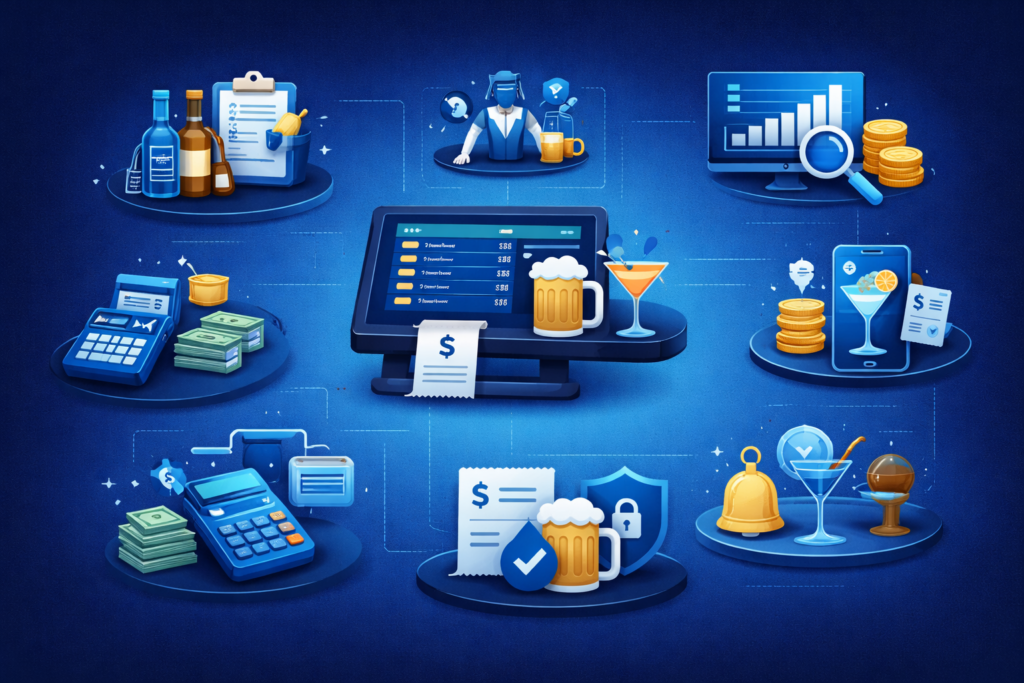
Key Features of Bar Billing Software
How Does Bar Billing Software Work?
How does Bars Benefit from Implementing Billing Software?
Advantages of Choosing myBillBook Bar Billing Software
Faster billing during rush hours
myBillBook is built for quick POS-style billing, so your staff can generate bills in seconds and keep queues moving during peak hours.
Barcode-ready checkout
Use barcode scanning to add items instantly and reduce typing errors. You can also generate and print barcodes for easier item management.
Inventory management built-in
Track stock levels for items you sell, update inventory automatically after sales, and avoid confusion around what’s available at the bar.
Low-stock alerts
Set minimum stock limits and get alerts before items run out, so you can reorder on time and prevent losing sales on busy days.
WhatsApp bill sharing
Share bills instantly via WhatsApp/PDF so customers get a clear copy, disputes are reduced, and your billing records stay organised for future reference.
Payment & ledger tracking
Record cash/UPI/card payments properly, track pending dues, and maintain ledgers so end-of-day closing and collections become cleaner and faster.
Works on desktop + mobile
Run billing smoothly on a PC at the counter, while owners and managers can check sales and reports anytime from mobile.
Simple, Affordable Plans
Diamond Plan
₹217
Per month. Billed annually. Excl. GST @18%
✅ Create unlimited invoices
✅ Add up to 1 business + 1 user
✅ Inventory management
✅ App + Web support
✅ Priority customer support
✅ GSTR reports in JSON format Popular
Platinum Plan
₹250
Per month. Billed annually. Excl. GST @18%
Everything on Diamond Plan +
✅ Add up to 2 business + 2 user
✅ 50 e-Way bills/year
✅ Staff attendance + payroll
✅ Godown management
✅ Whatsapp and SMS marketing Popular
Enterprise Plan
₹417
Per month. Billed annually. Excl. GST @18%
Everything on Platinum Plan +
✅ Custom invoice themes
✅ Create your online store
✅ Generate and print barcode
✅ POS billing on desktop app
✅ Unlimited e-Invoices & e-Way bills
Frequently Asked Questions
How can bar billing software improve efficiency and reduce errors in a bar?
It speeds up billing with item search, quick quantity edits, and automatic totals. This reduces manual calculation mistakes, missed items, wrong pricing, and end-of-day mismatch.
How does bar billing software integrate with other bar management systems?
Most bar billing tools integrate through exports, APIs, or built-in modules—typically for accounting, inventory, online orders, or payment systems. If you use multiple tools, confirm what “native” integrations exist versus CSV/Excel import-export.
How does bar billing software help with inventory management?
It maintains item-wise stock, updates quantities after each sale, and highlights fast-moving items. This makes reordering easier and reduces last-minute stockouts during weekend rush.
Where can I find free trials for bar billing software?
Many providers offer a free trial or demo. If you want a simple setup to start quickly, you can try myBillBook’s free trial and test billing + inventory + reports on your menu before committing.
What are the different types of bar billing software available?
Cloud-based billing (access on multiple devices, easier backups)
Desktop POS billing (runs on a PC at the counter)
Mobile-first billing (billing from phone/tablet)
Some solutions offer a mix of desktop + mobile access.
What are the common errors that bar billing software can prevent?
Wrong totals, incorrect discounts, missed items, duplicate entries, pricing mismatch, payment-mode confusion, and end-of-day settlement errors—especially when billing is rushed.
Why is data security important for bar billing software?
Because billing data includes sales patterns, staff actions, pricing, and customer/party details. Secure access controls and backups protect you from data loss, misuse, and operational disputes.
Why does bar billing software offer a better customer experience?
Faster checkout, fewer billing disputes, cleaner printed/WhatsApp bills, and smoother split payments improve customer satisfaction—especially for groups during peak hours.
Who uses bar billing software beyond the bar staff?
Owners use it for daily sales and profit visibility, managers for settlement and stock checks, accountants for records and reports, and sometimes procurement teams for reorder planning.
What are the best tools and software for Bar Billing Software?
The best option is the one that fits your bar’s workflow: fast POS billing, inventory tracking, reports, multi-user controls, and easy onboarding. myBillBook is a strong choice if you want a simple, easy-to-train billing + inventory system without heavy setup.