
Medical Inventory Management Software
Track medicines, medical supplies and consumables with batch-wise stock, expiry management, low-stock alerts, barcode workflows, purchase records and inventory reports in myBillBook.
Trusted by 1 Crore+ Businesses

What Is Medical Inventory Management?
Medical inventory management is the process of tracking medicines, consumables and other medical stock from purchase and storage through sale, issue, return or expiry.
Unlike general inventory, medical stock often needs additional control over batch numbers, expiry dates, reorder levels and stock movement. A medical inventory management system helps businesses know what is available, what is running low, which batch is nearing expiry and how purchases and sales are changing stock.
Scope: myBillBook is best suited to medicines, consumables and saleable medical supplies. It is not positioned as a biomedical equipment-maintenance, cold-chain monitoring or full hospital asset-management system.
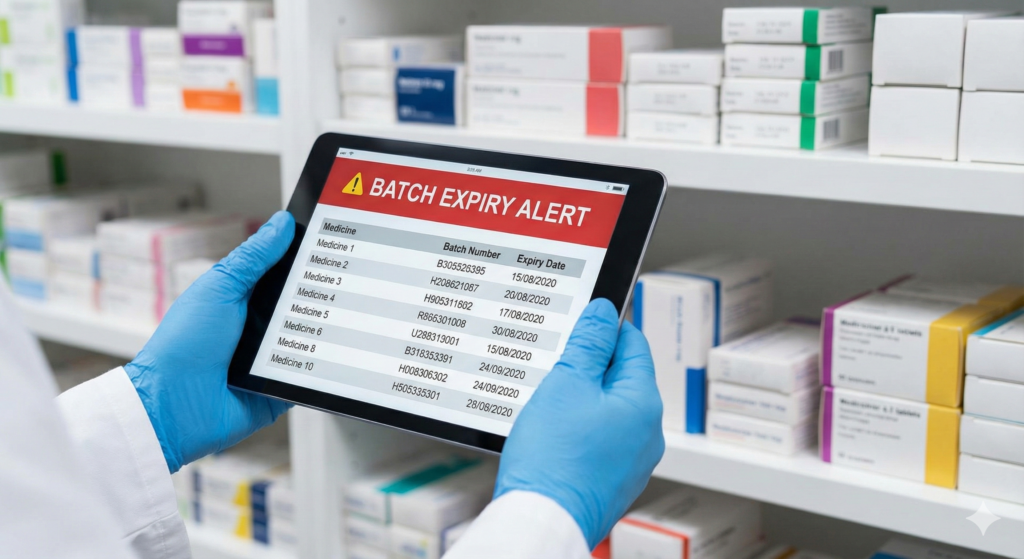
Why Medical Inventory Needs Better Stock Control
Medical inventory can become difficult to manage when the same item is purchased in different batches, expiry dates vary, stock moves quickly and manual registers are not updated after every transaction.
Medical Inventory Features in myBillBook
Use inventory controls built for day-to-day medicine and medical supply management.
How Medical Inventory Management Works in myBillBook
A simple workflow from stock setup to daily monitoring.
Step 1: Add or Import Medical Items
Create medicine and supply items with details such as name, MRP, GST/HSN where applicable, opening stock and other relevant inventory fields. Large item lists can be uploaded in bulk through supported Excel import workflows.
Step 2: Record Purchases and Batch Details
Record supplier purchases and maintain batch and expiry information for medicines or products where those fields are required.
Step 3: Set Reorder Levels
Define minimum stock levels for important or fast-moving items so low-stock visibility supports timely replenishment.
Step 4: Sell, Issue or Transfer Stock Through Supported Workflows
Sales and recorded stock movements update available inventory. For multiple storage locations, supported godown transfers help maintain location-wise visibility.
Step 5: Review Expiry, Low Stock and Movement
Check near-expiry items, stock availability, item movement and purchase/sales records before placing the next order.
Step 6: Reconcile With Reports
Use available inventory and business reports to compare physical stock with system records and investigate mismatches early.
Medical Inventory vs Pharmacy Inventory vs Hospital Asset Management
These terms overlap, but they are not identical. Choosing the right software starts with understanding what you actually need to track.
| System | Main focus | Typical items | myBillBook fit |
|---|---|---|---|
| Medical inventory management | Stock availability, batch, expiry, purchasing and movement | Medicines, disposables, consumables, saleable supplies | Strong fit for inventory and billing-linked stock workflows |
| Pharmacy inventory management | Medicine stock plus pharmacy counter billing | Tablets, strips, syrups, OTC products, pharmacy items | Use the dedicated pharmacy billing software page for billing-led pharmacy needs |
| Hospital asset management | Asset lifecycle, maintenance, service schedules and equipment traceability | Ventilators, imaging equipment, biomedical devices | A dedicated hospital asset-management system may be more appropriate |
Batch & Expiry Tracking for Medical Stock
Two packs of the same medicine can belong to different batches and expire on different dates. Treating them as one stock number makes expiry control difficult.
- Maintain batch-wise stock records for medicines and selected medical products.
- Track expiry dates and review near-expiry inventory before it becomes dead stock.
- Use FEFO-oriented handling so earlier-expiring batches can be prioritised where appropriate.
- Review batch and expiry reports when planning returns, replenishment or stock movement.
Low-Stock Alerts and Reorder Planning
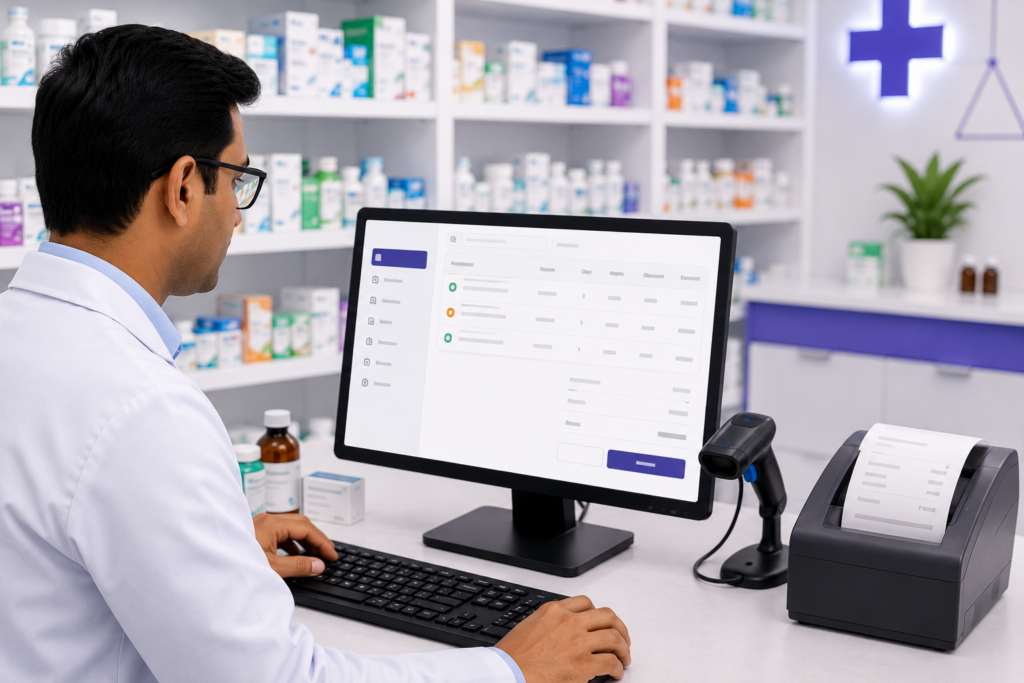
Medical businesses need enough stock to avoid disruption, but over-ordering can increase expiry risk and block working capital. myBillBook lets businesses set reorder levels and monitor low-stock items.
A practical reorder workflow:
- Set minimum quantity for essential or fast-moving items.
- Review low-stock alerts before supplier ordering.
- Compare current stock with recent sales or usage patterns.
- Check near-expiry stock before adding more quantity.
- Use purchase and stock reports to avoid duplicate ordering.
Purchases, Suppliers and Stock Inward
Inventory accuracy starts when stock enters the business. Purchase entries should capture the right item, quantity, rate and applicable batch/expiry details so stock does not need to be corrected later.
- Record supplier purchases in the same system used for inventory.
- Use supported Scan & Record purchase workflows to reduce repetitive entry.
- Update stock as purchases are recorded.
- Maintain supplier and purchase history for easier reconciliation.
- Review purchase returns or adjustments when physical stock changes.
What to Look for in Medical Inventory Management Software
| Requirement | Why it matters | myBillBook |
|---|---|---|
| Batch tracking | Separates stock from different medicine batches | ✓ |
| Expiry tracking | Helps identify near-expiry stock earlier | ✓ |
| Low-stock alerts | Supports timely replenishment | ✓ |
| Barcode support | Speeds up item search and billing | ✓ |
| Purchase management | Keeps inward stock connected to supplier purchases | ✓ |
| Multi-godown | Useful for separate storage locations | Available on supported plans |
| Stock reports | Helps review movement, valuation and availability | ✓ |
| Cloud access | Keeps business data accessible across supported devices | ✓ |
| Biomedical asset maintenance | Needed for equipment service schedules and maintenance logs | Use a dedicated hospital asset system if required |
Who Can Use myBillBook for Medical Inventory Management?
For patient billing, OPD/IPD charges and hospital service invoicing, use the dedicated hospital billing software workflow instead of treating this page as a complete hospital information system.
Pricing Plans
- Create unlimited invoices
- Access to 1 business, 1 user & 1 CA
- Inventory management
- Android, iOS & Web
- Custom Invoice Themes
- Create your Online Store
- Generate, Print & Scan Barcodes
- Desktop app
- SMS + WhatsApp marketing*
- Unlimited Godown management
- Print Barcode (Label printer)
- Bulk Download & Bulk Print Invoices
- Access to 2 businesses, 3 users & 1 CA
- e-Way Bills (Unlimited)
- Generate e-Invoicing
- Loyalty & Rewards
- Automate Recurring Billing
- POS Billing (Desktop App, Web app)
- Data Export to Tally (on request)
- User Activity Tracker
Frequently Asked Questions
What is the difference between medical inventory software and hospital inventory software?
Medical inventory software usually focuses on medicines, consumables, supplies, purchases, stock levels, batches and expiry. Hospital inventory systems can be broader and may include departmental stores, procurement workflows, biomedical assets, maintenance schedules and clinical supply-chain controls. myBillBook is strongest for business inventory and billing-linked medical stock rather than full hospital asset management.
Can myBillBook track medicines by batch and expiry date?
Yes. myBillBook supports batch-wise inventory and expiry tracking for pharmacy and medical stock workflows, helping businesses identify stock from different batches and monitor near-expiry items.
Can a small clinic use medical inventory management software?
Yes, if the clinic maintains medicines, test kits, injections, disposables, or other consumables. Inventory software can help the clinic record purchases, monitor available quantity, and avoid relying only on spreadsheets or manual registers.
Can I manage medical inventory across more than one storage location?
myBillBook supports multi-godown inventory on applicable plans. Businesses can maintain location-wise stock visibility and transfer stock between supported godowns or storage locations.
Does myBillBook support barcode scanning for medical stock?
Yes. myBillBook supports barcode generation, printing, and scanning in supported setups. This can speed up item search and reduce repetitive manual selection for medical stores and other stock-heavy businesses.
Can myBillBook manage biomedical equipment servicing and maintenance?
myBillBook is designed primarily for business inventory, billing, purchases, and stock reporting. If you need preventive-maintenance schedules, equipment service history, calibration records, or clinical asset traceability, use a dedicated biomedical or hospital asset-management system alongside your billing and inventory tools.