
Windows POS Software
Use the POS billing feature in myBillBook on a Windows desktop or laptop to handle faster counter checkout with barcode scanning, item-first billing, multiple bills, keyboard shortcuts and payment recording.
Trusted by 1 Crore+ Businesses

What Is Windows POS Software?
Windows POS software is software used on a Windows desktop or laptop to complete point-of-sale transactions at a billing counter. It helps staff add items, complete bills, record payments and finish checkout from a computer-based interface.
In myBillBook, POS is a billing feature available for supported desktop workflows. It gives businesses a faster counter-focused way to bill using features such as item-first billing, barcode scanning, multiple bills and keyboard shortcuts.
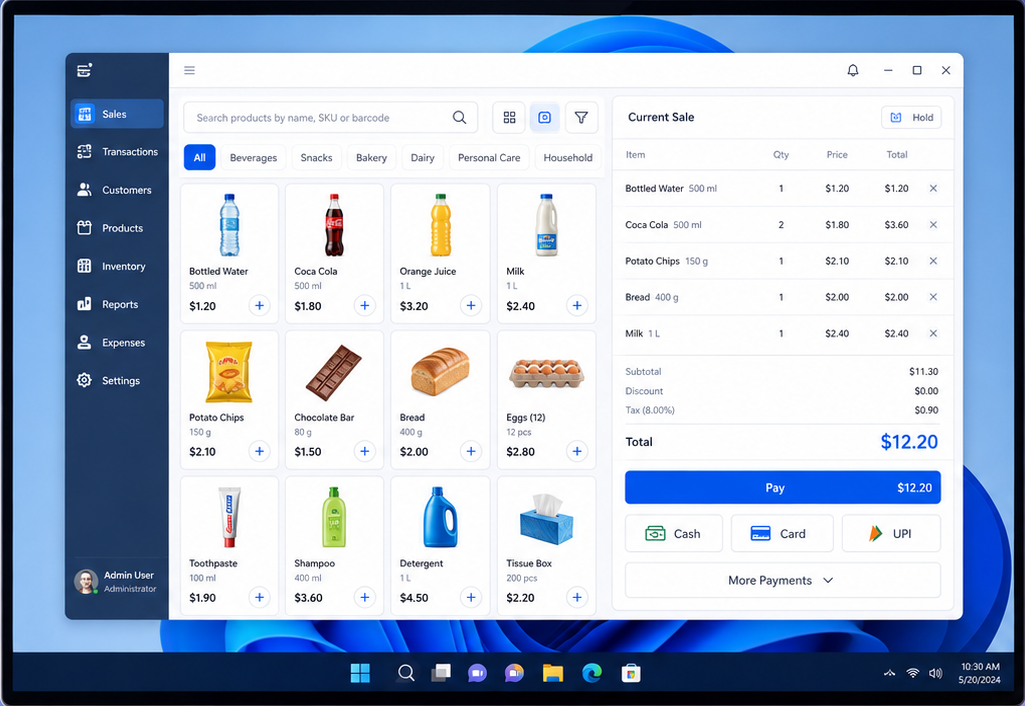
POS Features You Can Use on Windows with myBillBook
How Does POS Billing Work on Windows with myBillBook?
⇒ Add or Scan Items
Use item search or supported barcode scanning to add products.
⇒ Review the Bill
Check selected items, quantities, prices and the final transaction amount.
⇒ Record Payment
Choose the supported payment mode used by the customer.
⇒ Complete and Print
Finish the transaction and print the customer bill if required.
When the transaction is completed, the sale is recorded and relevant stock records can be updated accordingly.
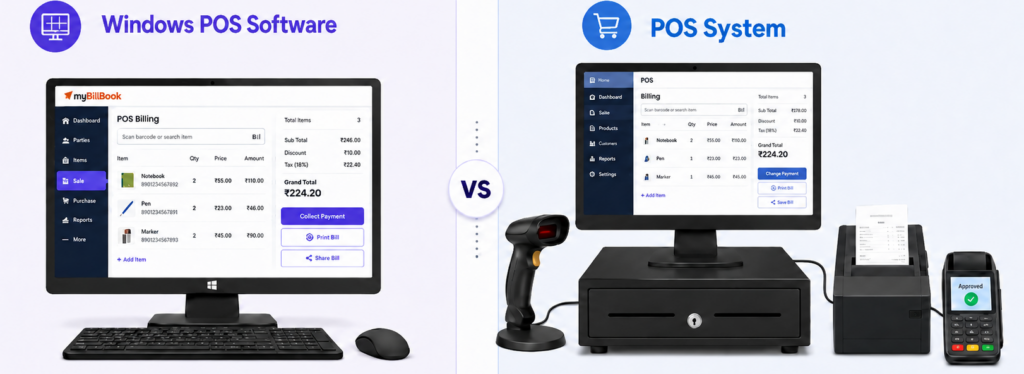
Is Windows POS Software the Same as a POS System?
No. Windows POS software is the application used to handle point-of-sale transactions on a Windows computer. A POS system is the wider setup that can include software along with hardware such as a computer, scanner, printer or payment equipment.
myBillBook provides billing software with a POS billing feature. Businesses can use that POS feature on supported Windows setups and connect compatible counter hardware based on their requirements.
When Is Windows POS Software Useful?
Fixed checkout counters
For businesses where transactions are usually completed from the same desktop or laptop.
Barcode-heavy checkout
For counters where products are frequently added by scanning barcodes.
High customer rush
For businesses that benefit from item-first billing, keyboard shortcuts and multiple open bills.
Regular bill printing
For counters where printed customer bills are commonly required after checkout.
Why Use myBillBook for Windows POS Billing?
Fast POS Billing
Use the POS billing screen to add items, review quantities and prices, record the payment, and complete customer checkout from one focused workflow.
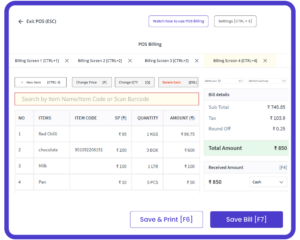

Barcode-Based Checkout
Scan supported product barcodes to add items directly to the POS bill, reducing manual product searches when handling frequent customer transactions.
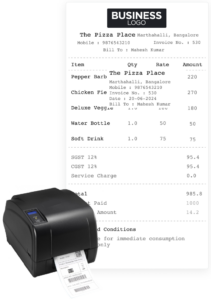
Print Bills from POS
After completing the transaction, generate and print the customer bill directly from the POS billing screen using a supported printer setup.
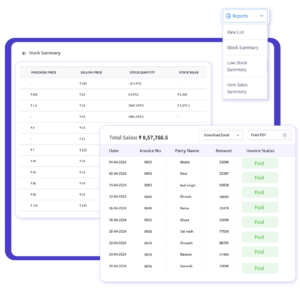
Stock Update After POS Sale
When a POS transaction is completed, the sold items are reflected in inventory records, reducing the need to manually update stock after each sale.
Simple, Affordable Plans
- Create unlimited invoices
- Access to 1 business, 1 user & 1 CA
- Inventory management
- Android, iOS & Web
- Custom Invoice Themes
- Create your Online Store
- Generate, Print & Scan Barcodes
- Desktop app
- SMS + WhatsApp marketing*
- Unlimited Godown management
- Print Barcode (Label printer)
- Bulk Download & Bulk Print Invoices
- Access to 2 businesses, 3 users & 1 CA
- e-Way Bills (Unlimited)
- Generate e-Invoicing
- Loyalty & Rewards
- Automate Recurring Billing
- POS Billing (Desktop App, Web app)
- Data Export to Tally (on request)
- User Activity Tracker
Frequently Asked Questions
Can Windows POS software work on an existing desktop or laptop?
Yes. Windows POS software can generally run on a compatible Windows desktop or laptop, allowing businesses to use their existing computer for counter billing instead of purchasing a dedicated POS terminal. Hardware requirements depend on the software and peripherals being used.
Is Windows POS software suitable for small businesses?
Yes. Windows POS software can be useful for small businesses that operate from a fixed billing counter and prefer a desktop-based checkout workflow. It is particularly practical where staff regularly use keyboards, barcode scanners, printers, or multiple open bills.
Can barcode scanners and printers be connected to Windows POS software?
Most Windows POS software can work with compatible barcode scanners and printers to support faster product entry and bill printing. Businesses should always check the supported hardware and connection requirements of the software before setting up their checkout counter.
Can I use the POS billing feature in myBillBook on Windows?
Yes. myBillBook supports POS billing on compatible Windows desktop setups. Businesses can use supported POS features such as item-first billing, barcode-based item selection, multiple bills, keyboard shortcuts, payment recording, and bill printing from the Windows billing counter.
Is POS billing included in every myBillBook plan?
POS billing availability depends on the current myBillBook plan and its included features. Businesses that specifically need POS billing on Windows should check the latest plan details before subscribing to ensure their required POS functionality is included.