
Bill Book Format Free Download in Word, Excel, and PDF
Get free bill book format templates in Word, Excel, and PDF for daily billing, and maintaining records.
Download Bill Book Format Templates for Free
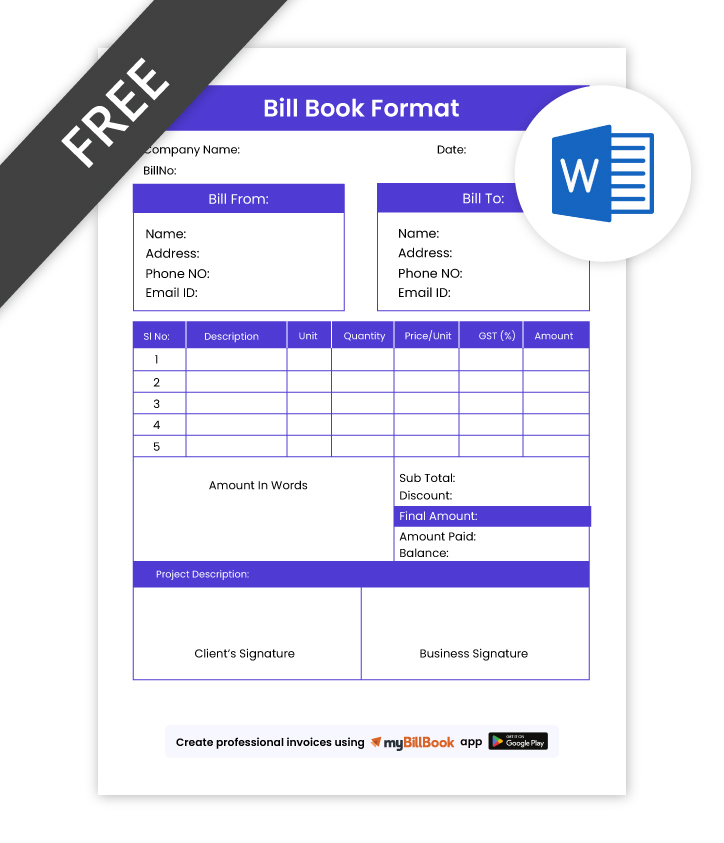
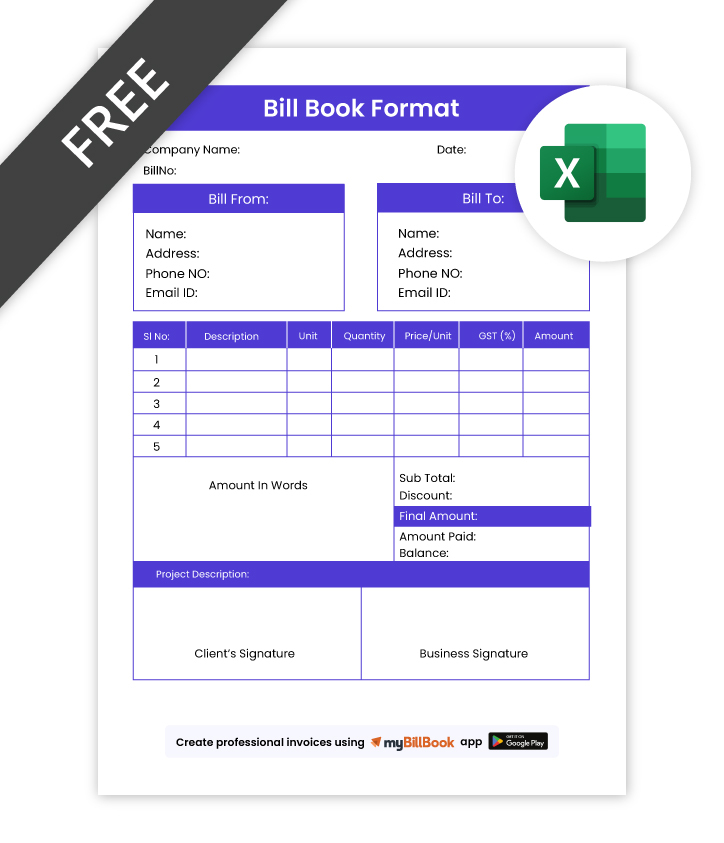
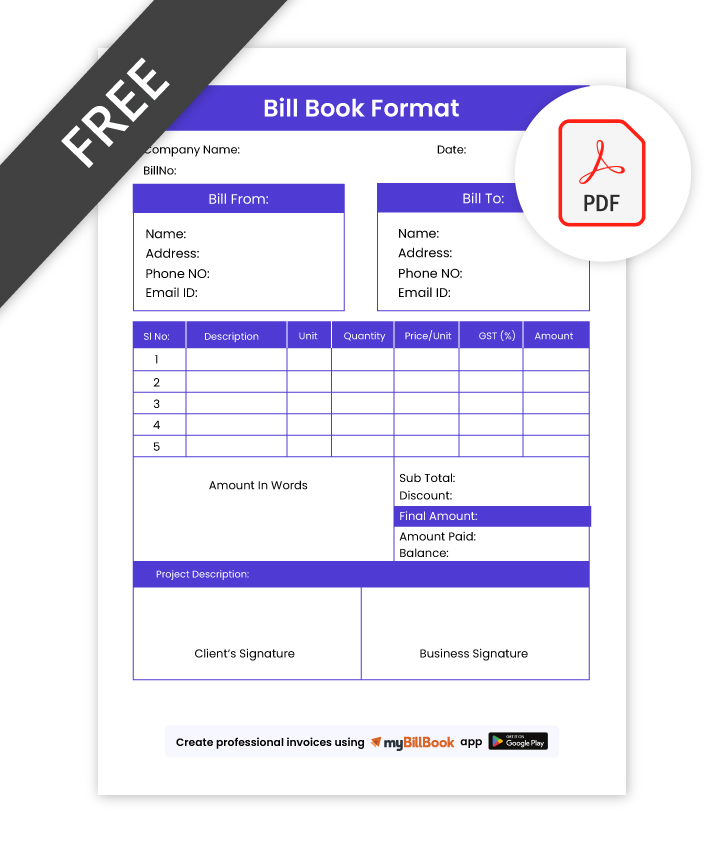
What is a Bill Book Format?
A bill book format is a simple layout used to make bills for goods sold or services provided by a business. Businesses use a bill book format to make billing more organised and to keep proper records of sales. It also helps avoid missing important details while making a bill. Whether a business uses it in Word, Excel, PDF, or any billing software, a bill book format makes daily billing easier and more manageable.
What Does Bill Book Format Include?
- Business Details – Business name, address, contact number, and GSTIN if applicable
- Customer Information – Customer name, contact details, and billing address
- Bill Number & Date – Unique bill number and date for proper record keeping
- Item or Service Details – Product or service name, quantity, rate, and amount
- Tax & Discount Fields – GST, discount, and any additional charges if needed
- Final Amount – Subtotal, total tax, grand total, and amount payable
- Payment Information – Payment mode, paid amount, or balance due
- Signature Section – Authorised signature and notes or terms if required
Bill Book Format in Word, Excel, and PDF
A bill book format is available in Word, Excel, and PDF, and each format is useful in a different way. Some businesses prefer Word for easy editing, some use Excel for calculations, and some choose PDF for printing and sharing. The right format depends on how the business wants to make, save, and use its bills.
| Format | Best Used For | Main Advantage |
| Bill Book Format in Word | Editing text, layout, and design manually | Easy to customise business details, logo, and bill structure |
| Bill Book Format in Excel | Item-wise billing, calculations, and tax totals | Useful for faster billing with organised rows, columns, and formulas |
| Bill Book Format in PDF | Printing, sharing, and storing fixed-format bills | Keeps the layout unchanged and is useful for professional bill copies |
Choose a Bill Book Format by Business Type
Challenges You Might Face With Free Online Bill Book Formats
Free online bill book formats can be useful for basic billing, but they may not always fit every business need. Some formats may miss important details, allow only limited changes, or make it harder to keep records properly as billing increases. Over time, this can create confusion when making bills, checking old records, or managing payments.
- Bills may miss important details such as the date, bill number, item name, rate, tax, or total amount.
- Billing can become confusing when there is no fixed format to follow.
- Bills may look different each time, making the business look less organised.
- It becomes harder to keep proper records of daily sales and payments.
- Finding old bills later can take more time and effort.
- Small mistakes in amount, tax, or item details can happen more often.
- Sharing clear bills with customers can become difficult.
- Checking past sales, payments, or billing details becomes more difficult.
How myBillBook Billing Tool Makes Billing Simple
📄 Ready Bill Formats
Use ready bill formats with all the important fields already included, so your bills stay clear, complete, and easy to prepare for daily business use.
✍️ Easy Bill Creation
Create bills faster with a simple setup that helps you enter item details, rates, tax, and totals without missing any important details during billing time.
🧾 Sales Records
Keep customer details and sales records in one place, so checking past bills, purchase history, and business entries becomes easier whenever needed.
💰 Payment Tracking
Track paid and unpaid bills properly, so you can check pending amounts, follow up with customers, and keep payment records clear and organised every day.
📊 GST Billing Support
Add GST details while making bills, so tax amounts stay clear, calculations remain correct, and your billing records become more complete and useful.
📤 Print and Share Bills
Download, print, or share bills easily with customers whenever needed, so billing stays smooth, and your records remain simple to access and manage.
Frequently Asked Questions
Can I download a bill book in a free format?
Free bill book formats are commonly available in Word, Excel, and PDF. The right format depends on whether the requirement is editing, calculation, printing, or record keeping.
Is this bill book format available in Word, Excel, and PDF?
This bill book format is available in Word, Excel, and PDF so users can choose the format that best matches their billing process. Word is suitable for manual editing, Excel is useful for calculations, and PDF is helpful for printing and sharing.
Which bill book format is better: Word, Excel, or PDF?
The better format depends on how the bill book will be used. Word is useful for editing and layout changes, Excel is suitable for item-wise billing and calculations, and PDF is better for fixed-format printing and sharing.
What details are included in a bill book format?
A bill book format generally includes the business name, customer details, bill number, date, product or service details, quantity, rate, discount, tax, total amount, payment details, and a signature section.
Can a bill book format be customised before use?
Editable bill book formats can be customised by adding the business name, logo, address, contact details, GST information, and other billing fields, as required.
Is a bill book format useful for GST billing?
A bill book format can be used for GST billing when it includes tax-related fields such as GSTIN, item value, tax amount, and the final bill amount.
Can a bill book format be printed after download?
Downloaded bill book formats can be printed and used for billing records. PDF formats are especially useful for printing because they keep the layout fixed.
Know More About Bill Formats
